Sim South Africa: Vodacom Travel eSIM for 2026
Choose a south africa esim before departure and avoid an airport SIM queue. This esim for south africa includes 1 GB of high-speed data per day, then continuing service at reduced speed under fair-use terms. Current supplier coverage lists Vodacom, MTN South Africa, and Telkom.
Data
1 GB/day high-speed, then reduced speed
Validity
Flexible dates from 1 day
Networks
Vodacom, MTN South Africa, and Telkom listed
Activation
Billing starts on first network connection
LIVE PRODUCT OPTIONS
South Africa eSIM Plans and Prices: Choosing the best esim south africa
The best esim for south africa is the plan that matches the actual trip length and expected use. Select your exact start and end dates in the purchase-page calendar, from 1 day to more than 30 days. The 7-day and 30-day prices below are popular examples, not fixed limits. Every option is prepaid and data-only, with no recurring contract.
| Plan | Price | Data allowance | Network | Hotspot | Activation | Purchase |
|---|---|---|---|---|---|---|
| 7 days | $18.99 | 1 GB/day high-speed; reduced afterward | Vodacom, MTN, Telkom listed | Guaranteed | First network use | Buy Now |
| 30 days | $53.99 | 1 GB/day high-speed; reduced afterward | Vodacom, MTN, Telkom listed | Guaranteed | First network use | Buy Now |
For a one-week trip, select 7 days in the calendar. For a month-long itinerary, select 30 days. SafarieSIM is flexible: choose any exact date range from 1 day to more than 30 days, and the purchase page calculates the matching price. Make sure the selected dates cover every day you need internet access, including arrival and departure.
Example prices are shown in USD and verified against the current SafarieSIM catalog. The purchase page calculates the latest price for your selected calendar dates and shows the available currency before checkout.
Unlimited data eSIM South Africa: what “unlimited” means
This product provides continuing daily data rather than a fixed trip-wide bucket. The full-speed allowance is 1 GB each day. After you use it, the connection may continue at reduced speed until the daily allowance resets. That fair-use design can cover maps, messaging, email, ride-hailing, and ordinary browsing, but heavy video, large cloud backups, or laptop work may use the high-speed allowance quickly.
Hotspot use is supported, so you can share your connection with a laptop or tablet; actual tethering speed still depends on your phone and the local network. Select the full trip in the calendar—even when it lasts more than 30 days—because this eSIM is non-reloadable after purchase.
Vodacom eSIM South Africa Coverage
For travelers searching for vodacom esim south africa coverage, the important detail is that SafarieSIM's current supplier records list Vodacom, MTN South Africa, and Telkom. An esim south africa vodacom connection may be selected where available, but this is a multi-network travel profile rather than a direct retail vodacom esim. The vodacom travel esim experience therefore depends on local radio coverage, congestion, device bands, and automatic network selection. We never promise Vodacom in every location.
Travelers also searching for an mtn esim south africa should note the same distinction: MTN is listed as a supported network, but SafarieSIM is not a direct MTN retail account. Unlike a single-carrier product or a Holafly eSIM comparison, this profile can use the networks supplied for the plan without promising that one named carrier will be available at every stop.
Johannesburg, Cape Town, and Durban
Major urban areas generally provide the strongest 4G access. Performance still varies indoors, around mountains, during events, and when networks are busy.
Garden Route and major tourist routes
Coverage is commonly available through towns and populated stretches, but valleys, passes, and long rural sections can interrupt service. Save tickets, hotel details, and maps offline.
Kruger National Park and safari areas
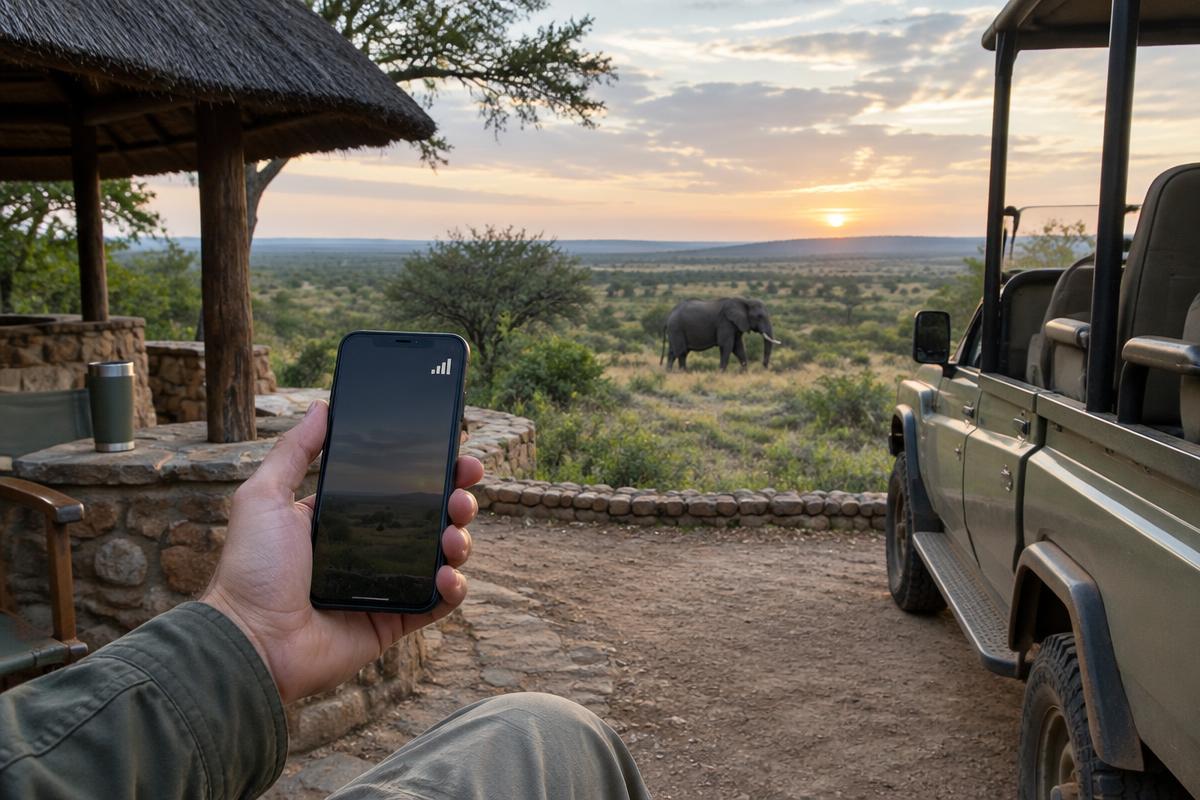
Coverage around gates, larger rest camps, lodges, and nearby towns can be usable, but it is not continuous throughout Kruger National Park. Remote roads and wilderness areas may have weak or no signal. Download offline maps before driving and do not depend on mobile service for emergencies.
Outside towns
South Africa is geographically large. Farm roads, reserves, mountains, and sparsely populated areas can have gaps regardless of carrier. A listed network is not a guarantee of signal at a specific lodge or route.


QR installation and activation timing
Install while you have stable Wi-Fi, but do not delete the profile after installation. Keep screenshots or written details available offline. On arrival, select the travel eSIM for cellular data, enable data roaming for that line, and leave automatic network selection on. If it does not connect immediately, restart the phone or briefly toggle airplane mode before contacting support.
Use the phone-specific setup guide if menu names differ. During installation, label the new line “South Africa” so it is easy to find later. Keep your home line selected for calls and messages, turn off data switching if you want to avoid accidental roaming, and choose the new eSIM only for cellular data. Do not scan the QR code with the same phone unless its setup flow specifically supports that method.
1. Install by QR code
After checkout, open the supplied QR code on another screen and add the cellular plan in your phone settings. You can install before departure within the allowed pre-install period.
2. Activate on arrival
Keep the travel line off until South Africa, then enable it for mobile data and data roaming. Billing begins at the first supported network connection.
3. Keep WhatsApp
Leave your home SIM present for your normal number and choose SafarieSIM for data. WhatsApp normally continues with the number already registered in the app.
Device compatibility and data-only service
Your phone must support eSIM and be carrier-unlocked. Compatible models include many recent iPhones, Samsung Galaxy devices, Google Pixels, and other brands, but regional model variants differ. Find the EID or “Add eSIM” option in settings before buying.
The plan has no South African number and does not include ordinary calls or SMS. Use WhatsApp, FaceTime, Signal, Teams, or other internet services over data. Your home carrier may still charge for calls or SMS on the primary SIM, so review its roaming settings.
Prepaid eSIM vs. a local tourist SIM
A SafarieSIM travel eSIM is purchased online, delivered digitally, and does not require a South African ID or an in-store RICA registration. It is convenient for short visits and preserves the physical SIM slot. A local tourist SIM may include a local number, calls, SMS, or different bundles, but normally requires operator registration and collection or setup in person.
Choose the eSIM for fast data setup and dual-SIM convenience. Choose a local SIM when a South African phone number or carrier-specific retail service is essential.
For international travelers
Whether you are arriving from the United Kingdom, United States, Australia, India, France, Saudi Arabia, or Germany, the installation process is the same: confirm that your unlocked phone supports eSIM, purchase before the trip, install over reliable Wi-Fi, and switch mobile data to the travel line after landing. Keep your home SIM active only if you understand its roaming charges.
Visitors connecting through another country should keep the South Africa line disabled until arrival because its validity begins on the first supported network connection. Before leaving home, download the airline app, accommodation details, emergency contacts, and an offline map. These precautions remain useful even with a multi-network profile because rural signal cannot be guaranteed.
A south africa travel esim is especially useful when an itinerary combines city stays, a self-drive route, and safari accommodation. It provides one prepaid data setup without searching for a shop after every flight or border connection. Confirm your device before departure, estimate how much high-speed data maps and media will use, and keep the order email accessible. If your trip changes, compare the remaining validity with the new return date before relying on the same plan.
Secure payment
Checkout supports major cards, with Apple Pay or Google Pay shown when available on the device and browser. The final checkout screen confirms available methods.
Refund terms
Request a qualifying unused and unactivated eSIM refund within 7 days. Activated or consumed plans may be excluded under the published terms.
refund policyReviews and support
Read verified customer feedback where displayed and contact SafarieSIM if installation or connection does not work as expected. Support availability is not presented as a guaranteed response time.
Contact customer support
Choose your South Africa plan
Select your exact travel dates in the calendar for a flexible 1-day, 7-day, 30-day, or longer trip, then receive your eSIM details digitally after successful payment.
Buy South Africa eSIM