For most visitors, a Safaricom eSIM is the easier option: when comparing Safaricom SIM cards and eSIMs in Kenya 2026, the digital version lets you scan a QR code before you fly and land with data already working, while a physical SIM means queuing at an airport desk or shop with your passport. Choose plastic only if your handset doesn't support eSIM. You can set up a Kenya eSIM in minutes.
A Safaricom connection can be set up with either a physical SIM card or a digital eSIM profile.
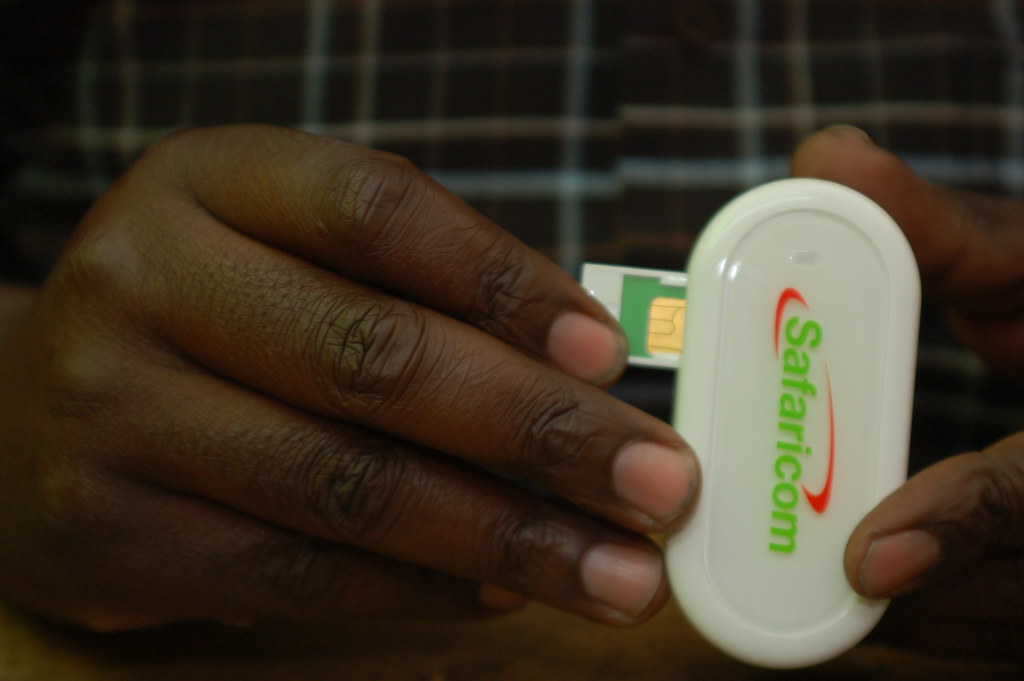
Choosing between a digital eSIM and a physical SIM for travel in Kenya — Photo: whiteafrican / Openverse (CC BY)
Choose plastic only if your handset doesn't support eSIM.
You can set up a Kenya eSIM in minutes.
Coverage is the same either way — both run on Safaricom's network, which reaches Nairobi, Mombasa, the Mara and most main safari routes.
The real difference is admission: SIM registration rules, shop opening hours, and whether you want to keep your UK number live for WhatsApp and banking codes.
Below, we compare activation, registration, M-PESA access and device compatibility, so you know which Safaricom eSIM or SIM option fits your trip.
What usually settles it is your phone and how you plan to pay for things. An older or carrier-locked handset rules out an eSIM straight away, and a data-only eSIM doesn't come with a Kenyan number, which is what M-PESA runs on. If you want to settle matatu fares, hotel balances and petrol by phone, a physical SIM registered at a Safaricom counter with your passport is the safer buy.
Below, we compare activation, registration, M-PESA access and device compatibility, so you know which Safaricom eSIM or SIM option fits your trip. In Kenya, TechWave reports that many newer iPhones and Samsung Galaxy phones can support two eSIMs, which makes running a Kenyan line alongside your home number straightforward.
Is a Safaricom SIM Card or eSIM the Best Choice in Kenya?
Both run on exactly the same Safaricom network, so coverage in the Mara, Amboseli or along Mombasa Road is identical. The real difference is how you get connected and what happens to your home number while you're away.
Physical SIM | eSIM | |
|---|---|---|
Where you get it | Safaricom shop or agent, passport required | QR code by email, before you fly |
Working time | Queue on arrival at JKIA or in town | Scan in minutes, activate on landing |
Home number | Must swap out your SIM | Stays active alongside |
Phone needed | Any unlocked handset | eSIM-capable, unlocked (iPhone XS and later, recent Pixel/Samsung) |
If your handset supports it, a Safaricom eSIM is the easier option for most visitors — you land with data already loaded, M-PESA-linked services and hotspot sharing for the group. Stick with a plastic SIM if you're travelling with an older or carrier-locked phone, or if you want a local number for a longer stay and plan to top up in cash at a kiosk.
Safaricom SIM Card vs eSIM: Key Differences at a Glance
The network you connect to is identical either way — the difference is purely in how you get onto it. A physical SIM means queuing at a Safaricom shop, airport kiosk or accredited dealer, handing over your passport for registration, and popping a nano-SIM into your handset. An eSIM is a profile you download, so you can buy a Safaricom eSIM before you fly and land in Nairobi or Mombasa already connected, with your UK number still active on the physical slot for bank texts and WhatsApp codes.
Physical SIM | eSIM | |
|---|---|---|
Setup | In person, on arrival | QR scan, anywhere |
Device needs | Any unlocked phone | iPhone XS or later, Pixel 3 or later, Galaxy S20 or later |
Keeping home number | Only on dual-SIM handsets | Yes, on nearly all models |
If lost or damaged | Replacement visit required | Re-download the profile |
Older or network-locked phones rule out eSIM entirely, which is the single biggest deciding factor for most travellers.
How Much Do Safaricom SIM Cards, Data Bundles and Calls Cost?
A physical Safaricom starter pack is sold for a small nominal fee at shops and airport kiosks, and registration itself costs nothing — you just need your passport. The real spending starts with airtime and bundles.
Safaricom prices data in tiers
Short-life daily bundles that expire at midnight
Weekly bundles
30-day packages, which work out noticeably cheaper per gigabyte
Time-based options — an hour or a night of unlimited browsing — which suit anyone who only needs to upload photos from the lodge after dinner
You can buy all of these through the M-PESA menu, the MySafaricom app, or by dialling 544# for data and 100# for the prepaid menu.
Calls and SMS are charged per minute and per message on pay-as-you-go, with cheaper rates inside the Safaricom network; out-of-bundle browsing is the expensive trap to avoid. A tourist eSIM for Kenya works differently — you pay once, upfront, in your own currency, and the allowance is loaded before you land. Always check current rates, as Safaricom adjusts them periodically.
Where Can You Buy a Safaricom SIM Card in Kenya?
The most obvious spot is the arrivals hall at Jomo Kenyatta International Airport in Nairobi, where Safaricom staff sit alongside the currency exchange desks and can register and activate a line before you reach the taxi rank. Moi International in Mombasa has a similar setup. Away from the airports, look for the green Safaricom shops in shopping centres such as Sarit Centre, Two Rivers, Village Market and Nyali Centre, plus branches in Nakuru, Kisumu, Nanyuki and Diani. Thousands of small authorised dealers and M-Pesa agents also sell starter packs, and most kiosks will top up airtime or sell a data bundle on the spot.
Whichever counter you use, bring your passport: Kenyan law requires every line to be registered to an identified owner, so expect a photo or fingerprint scan and a short form. Queues at the airport can stretch after several flights land together, which is why plenty of travellers now arrange a Safaricom eSIM before departure and simply switch it on after landing.
What Documents Do Visitors Need for Safaricom SIM Registration?
Kenya requires every mobile line to be registered to a named person, so you can't just buy a SIM and drop it in your phone. At a Safaricom shop or accredited dealer, bring your original passport — the same one you entered the country on. Staff will scan or photocopy the bio-data page and the entry stamp, record your full name and nationality, and ask where you're staying, so have your hotel, lodge or camp name handy. Many outlets also capture a fingerprint and a quick photograph on the spot, which is standard practice rather than anything to worry about.
Registration is usually completed while you wait, and the line goes live within minutes, though it can occasionally take an hour or two at busy airport counters. Avoid pre-registered SIMs offered by street sellers: they're tied to someone else's details and can be switched off without warning. If paperwork and queues don't appeal, a Safaricom eSIM lets you handle verification by uploading your passport before you fly.
How to Install and Activate a Safaricom eSIM
Start by checking your handset actually supports eSIM: on an iPhone, go to Settings > General > About and look for an IMEI2 or EID number; on Android, Settings > About phone > SIM status. Most iPhone XS and later, Google Pixel 3 and newer, and recent Samsung Galaxy S and Z models are fine. Also make sure the phone is carrier-unlocked, since a locked handset will refuse a foreign profile no matter how many times you scan the code.
Once you've bought your eSIM for Kenya, you'll receive a QR code by email. Scan it over Wi-Fi before you fly — installation only loads the profile, it doesn't start your data allowance. Go to Settings > Mobile Service > Add eSIM, scan, then label the line something obvious like "Kenya" so you don't mix it up with your home number.
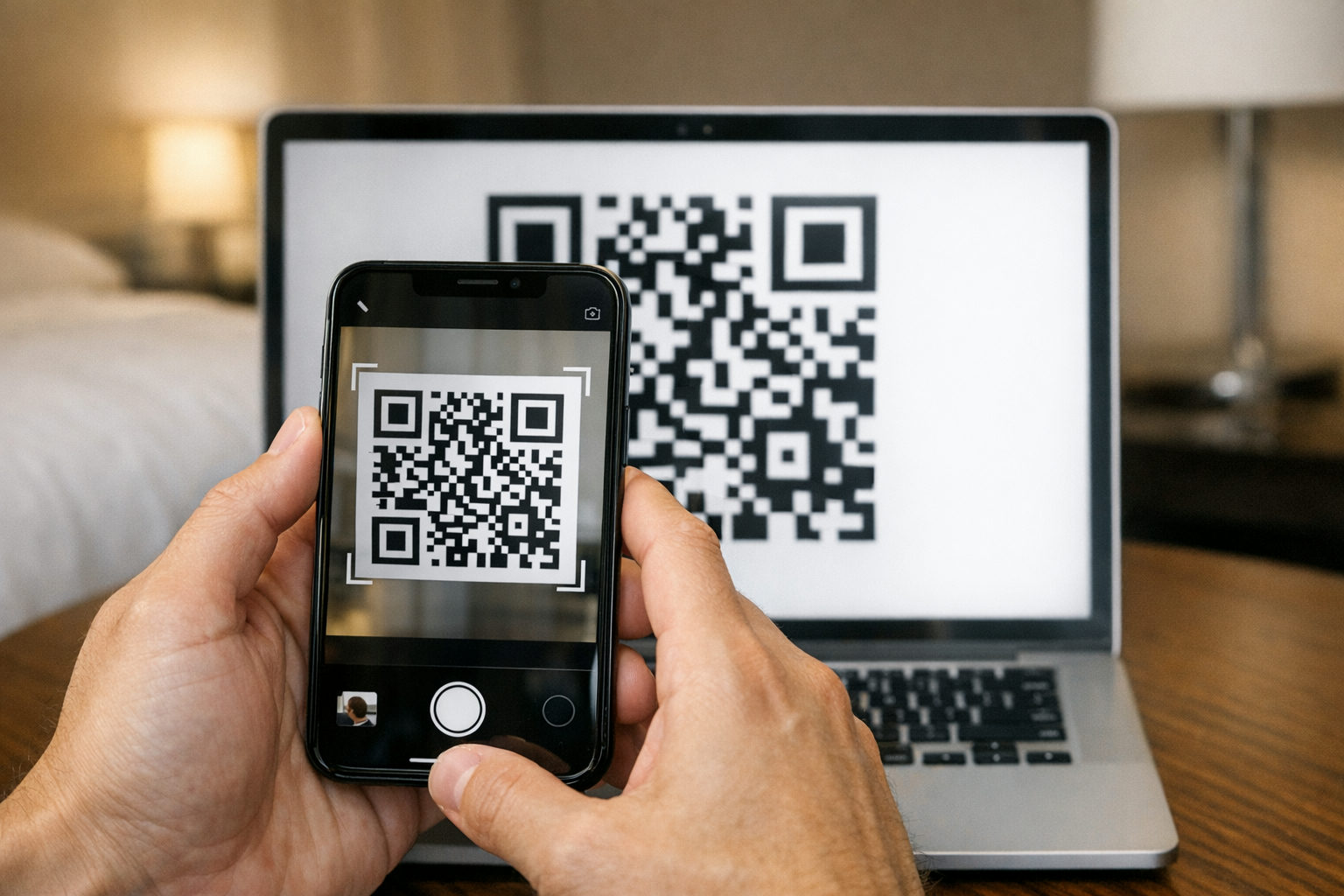
Install the eSIM by scanning the QR code over Wi-Fi before travelling.
After landing at JKIA or Moi International, switch mobile data to the Kenya line, leave your home SIM on for WhatsApp calls, and turn data roaming on for the Kenyan profile — it needs this to register on the Safaricom network.
Safaricom Coverage, 4G and 5G Speeds Across Kenya
Safaricom runs the widest network in the country, and in practice that is the main reason most visitors end up on it rather than a rival. You can expect solid 4G across Nairobi, Mombasa, Kisumu, Nakuru, Eldoret and Diani, along the Nairobi–Naivasha–Nakuru corridor and on most of the main tarmac routes heading towards Amboseli, Nanyuki and Lake Naivasha. Video calls home from a city hotel are rarely a problem; speeds dip at peak evening hours when everyone is streaming, but browsing, maps and WhatsApp stay comfortable.
Out in the conservancies it is patchier. Signal tends to cluster around gates, towns and lodge areas — think Talek and Sekenani near the Maasai Mara, or Ol Tukai in Amboseli — and drops away in valleys, dense bush and parts of Tsavo and Samburu. Plan to send photos from camp, not mid-game drive. Our Safaricom coverage guide breaks this down park by park.
5G is live in parts of the larger cities and keeps expanding, though for travel use 4G is more than enough.
How to Top Up, Check Your Balance and Buy Data Bundles
Once your line is live, topping up is quick. The simplest route is M-PESA: load cash onto your mobile money wallet at any agent shop, then buy airtime straight from the M-PESA menu, or dial the airtime recharge shortcode and follow the prompts. If you'd rather not touch mobile money, scratch cards are sold at supermarkets, petrol stations and the small dukas on almost every street — you scratch off the panel, dial the recharge code and type in the voucher number. Visitors on a Safaricom eSIM can usually top up with a card online instead, which saves queuing.
For bundles and balances, the *544# menu is the one to remember: it lists daily, weekly and monthly data offers, plus voice and SMS packages, and shows what's left on your current bundle. The My Safaricom app does the same with a cleaner interface and lets you see data usage by day. Set a reminder before a weekly bundle lapses — unused data doesn't roll over unless the offer specifically says so.
Using M-PESA, Hotspot Tethering and International Calling
M-PESA is woven into daily life in Kenya — matatu fares, hotel balances, craft stalls and petrol stations all accept it — but it only works on a Safaricom line with a Kenyan mobile number registered in your name. If you buy a physical SIM in a Safaricom shop with your passport, staff can register you for M-PESA at the same counter, and you can load cash over the agent desk. A data-only Safaricom eSIM doesn't carry a Kenyan number, so plan on cards, cash or your home banking app if you go that route.
Tethering is straightforward: Safaricom data bundles work over personal hotspot on both iPhone and Android, which is handy for sharing one connection across a laptop and a travel partner on a long drive to Amboseli. Battery drains fast, so keep a power bank in the vehicle.
For calls home, Safaricom offers international direct dialling with per-minute rates that vary by destination — dial +44 for the UK. WhatsApp or FaceTime over data is usually far cheaper and works fine on 4G.
Which Safaricom Option Suits Tourists, Business Travellers and Residents?
For a two-week safari circuit — Nairobi, the Maasai Mara, Lake Nakuru, then Diani — an eSIM is usually the easier call. You arrive with data already working, skip the queue at the airport kiosk, and keep your UK number live on the second slot for bank codes and WhatsApp calls home. If your handset supports it (iPhone XS onwards, Pixel 3 onwards, recent Samsung Galaxy S and Z models), buying a Safaricom eSIM before you fly removes the one job you least want on landing day.
Business travellers in and out of Nairobi every few months benefit most from the same approach, since the profile stays on the phone between trips and can be topped up again rather than replaced. Residents, long-stay volunteers and anyone building a full M-PESA wallet are generally better served by a physical SIM registered in person at a Safaricom shop with original ID — it ties neatly to banking, agent withdrawals and Fuliza.
Travelling with an older phone or a locked handset? Physical SIM, every time.
Safaricom SIM Card and eSIM FAQs
A few questions come up again and again from travellers planning their first week in Kenya — usually about phone compatibility, keeping a home number live, and what happens to a line that sits unused between trips.
If you are still weighing up the two formats, the practical test is simple: check whether your handset supports a digital profile, then decide whether you want your connection working the moment you land at JKIA or are happy queuing at a shop counter. Ordering a Safaricom eSIM before departure removes that first-day errand entirely.
Can I keep my UK number active while using Safaricom?
Yes. On a dual-SIM phone, leave your UK line on for calls and texts with data roaming switched off, and set the Kenyan profile as your default for mobile data.
Does my Safaricom line expire if I stop using it?
Lines left dormant for an extended period can be recycled. Sending a small top-up or making a brief call every few months keeps the number alive between visits.
Safe travels — and enjoy the connectivity.