For most international trips, eSIM wins. The eSIM versus SIM question really comes down to timing and convenience: an eSIM is a digital profile you download and activate before you board, while a physical SIM means finding a shop, showing your passport, and swapping out the tiny tray card after you land. Same networks, very different first hour abroad.
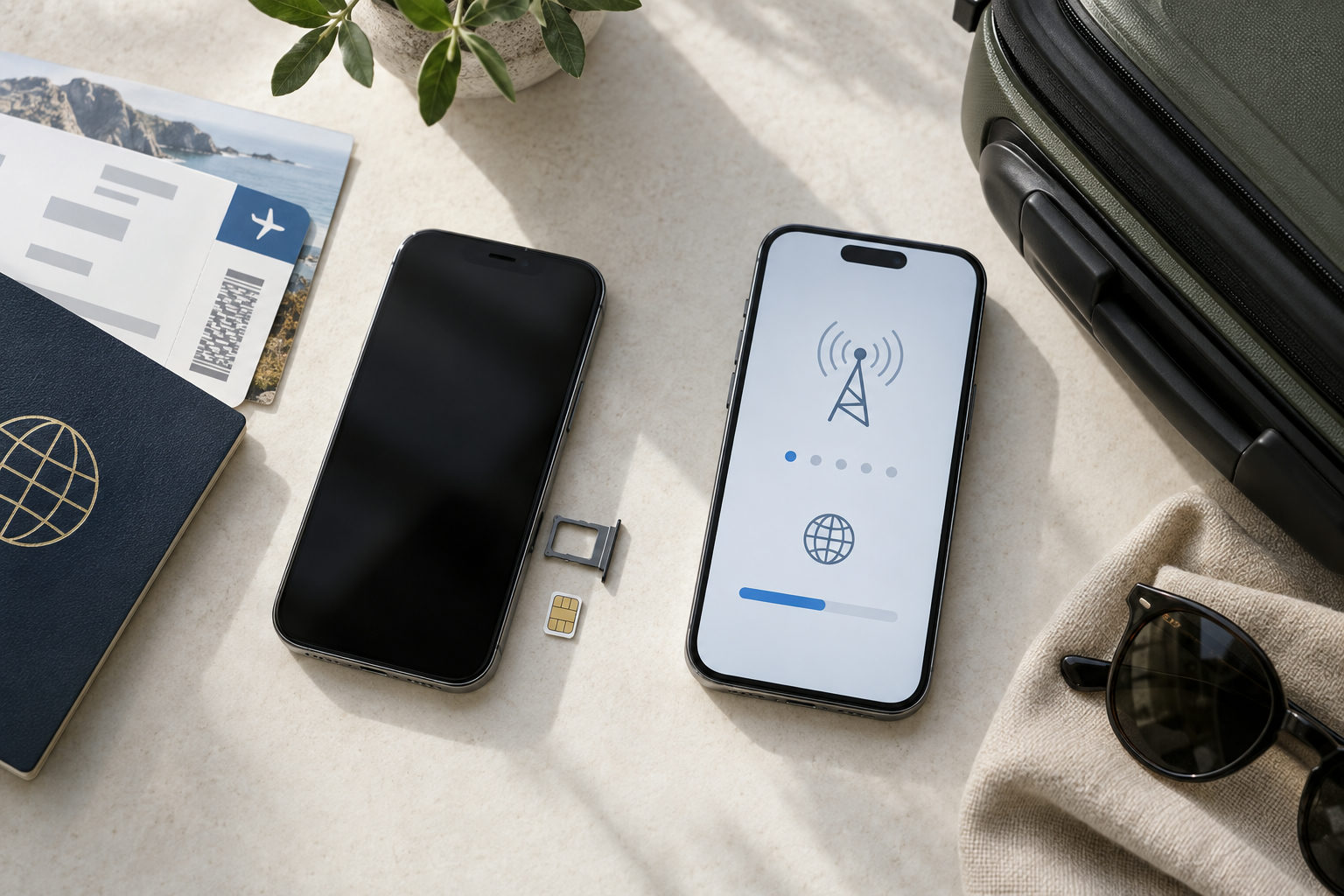
A physical SIM is inserted into a removable tray, while an eSIM is downloaded directly to a compatible phone.
That said, a plastic SIM still has its place. If your phone is older than roughly 2018, or you bought it in a market where carriers lock down eSIM support, the tray may be your only option. Some local prepaid deals — especially long-stay plans in parts of Asia and Africa — are still sold only as physical cards.
Below, we compare setup time, coverage, phone numbers, cost structure, and what happens when something goes wrong mid-trip.
Which option is better for most travelers? The short answer
If your phone supports it, go with an eSIM. For a one- or two-week trip, you can buy a data plan the night before you fly, scan a QR code at home on Wi-Fi, and land with service already working — no hunting for a shop at the airport, no paperclip, no tiny plastic tray to lose. Your home SIM stays in the phone, so your regular number keeps receiving calls and bank verification texts while the travel plan handles data.
Your situation | Better choice |
|---|---|
iPhone XS or newer, Pixel 3 or newer, unlocked | eSIM |
Short trip, want to keep your home number active | eSIM |
Staying 3+ months, need a local number | Local physical SIM |
Swapping the plan between two devices often | Physical SIM |
How do eSIMs and physical SIM cards work?
Both do the same job: they store the credentials that prove to a mobile network you're a paying subscriber. A physical SIM does this on a removable chip — today usually a nano-SIM, the 12.3 × 8.8 mm card you pop into a tray with a paperclip. The card carries its own ICCID and security keys, so moving it between phones moves your number and plan with it. That portability is the main practical advantage of physical SIMs: swap it into a spare handset and you're connected in seconds.
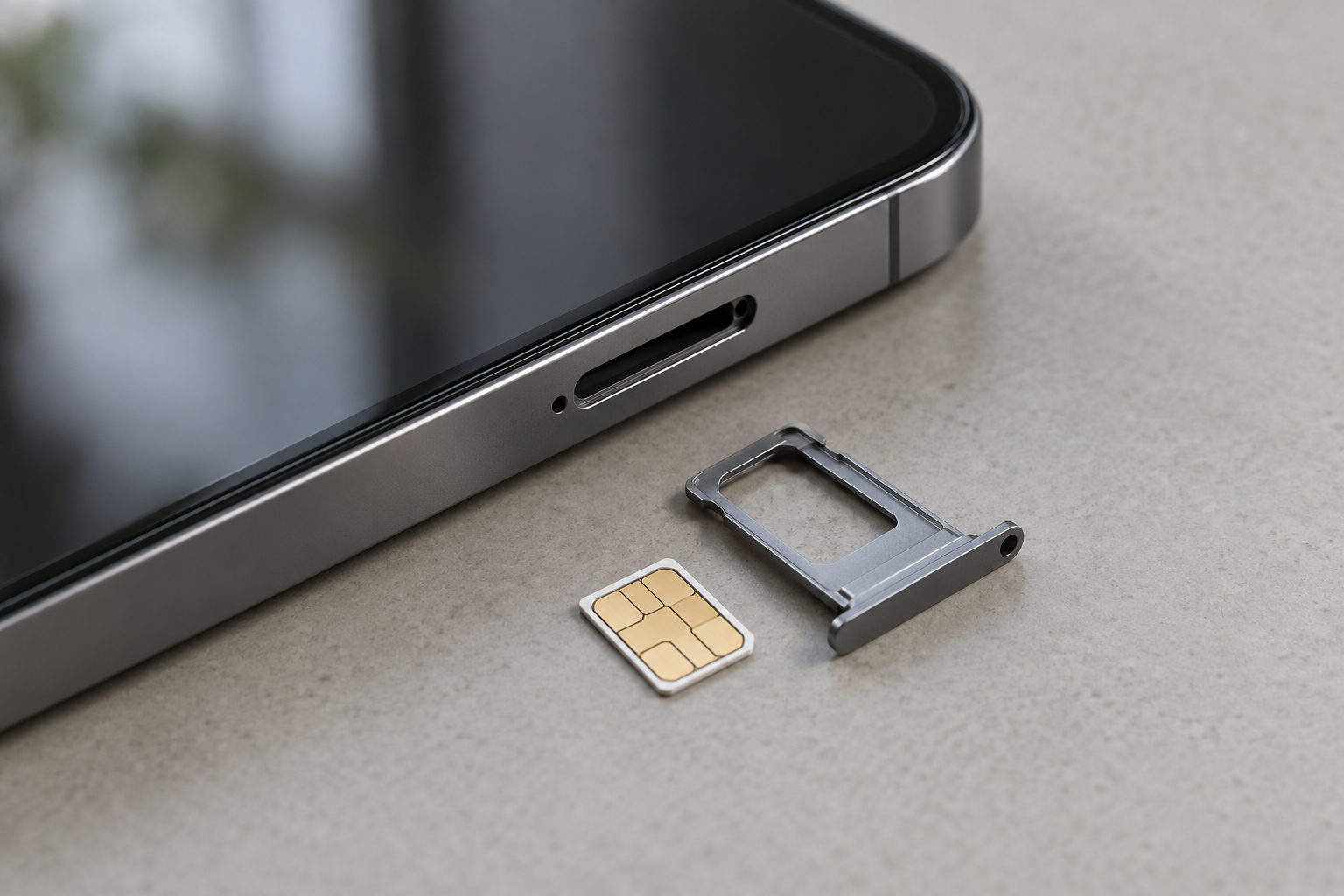
A smartphone, SIM tray and nano-SIM card
An eSIM replaces the removable card with a chip soldered onto the phone's board (the eUICC). Instead of shipping plastic, the carrier sends you a downloadable profile — typically a QR code or an in-app activation — that writes those same credentials to the chip over Wi-Fi or data. Most modern phones hold several eSIMs at once, often eight or more stored profiles, with one or two active simultaneously. That's why travelers pair a home line with a local data plan: no tray, no lost SIM cards, and you can buy coverage before the plane lands.
Factor | eSIM | Physical SIM |
|---|---|---|
Setup | Order online, scan a QR code or tap an install link, usually done before you board | Find a shop or airport kiosk on arrival, show ID, swap the tray, keep your home SIM safe |
Cost structure | Prepaid data plans, no deposit or SIM fee, top-ups bought from the same account | Plan price plus the card itself; roaming on your home SIM is usually the most expensive route |
Coverage | Depends on the carriers behind the plan; regional products can span many countries on one profile | Strong local coverage, but one card normally means one country |
Flexibility | Store several profiles, switch in Settings, keep your number active for calls and codes | One active card per slot unless your phone is dual-SIM |
Recovery | Reinstall from your order confirmation or account; nothing to lose physically | Lost card means buying a new one and a new number |
The table shows where the real gap sits: it's less about signal quality and more about logistics. Both options ride the same local towers, so a strong eSIM plan and a local card often perform identically in a city center.
Where an eSIM pulls ahead is the first hour of a trip and the last-minute fix. You land with data already running, and if you wipe your phone or upgrade mid-trip, reinstalling takes minutes instead of a shop visit.
What are the main downsides of using an eSIM?
eSIMs solve a lot of travel headaches, but they are not flawless. The biggest catch is that the profile lives inside the phone, so your plan is tied to that one piece of hardware. Drop your phone in a canal in Amsterdam and you can't pop the chip into a borrowed handset the way you could with a plastic SIM.
Four trade-offs come up most often. First, you need a compatible, carrier-unlocked device — older models and many budget Android phones simply can't run one. Second, you usually need Wi-Fi or an existing data connection to scan the QR code and install the profile, so activating it after you land can be awkward if the airport network is slow. Third, most travel eSIMs are data-only: you get the right amount of data for maps and messaging apps, but no local number for SMS, which matters if a bank sends two-factor codes by text. Fourth, moving a profile to a new phone often means asking the provider to reissue it, and not every provider allows that for free.
When is a physical SIM card still the better choice?
Hardware is the first dealbreaker. If you're traveling with an iPhone older than the XS, a budget Android that skipped eSIM support, or a carrier-locked handset, a physical SIM card is your only route to local data. The same goes for gear that travels with you: older mobile hotspots, dash cams with LTE, and GPS trackers almost always expect a nano-SIM tray. And if your phone dies mid-trip, you can pop that tiny chip into a borrowed or cheap replacement handset in minutes — something an eSIM profile usually can't do without contacting the provider.
Destination matters too. Some countries still have limited or no eSIM offerings from local networks, and a few require in-person registration with your passport, which means walking into a store anyway. If you're staying for months, a local prepaid plan bought at an airport kiosk or carrier shop often beats travel data packages on price per gigabyte and gives you a local phone number for ride-hailing apps, bank verification codes, and restaurant bookings.
Finally, cash-only travelers benefit: a shop will take banknotes, app checkouts generally won't.
How can travelers compare eSIM plans for Kenya, Tanzania, South Africa, Turkey, the UK, and Australia?
Compare on the details that actually change your trip, not the headline data amount. Check which mobile networks the plan attaches to — Safaricom and Airtel dominate Kenya, Vodacom and Halotel carry most of Tanzania, MTN and Vodacom cover South Africa, Turkcell and Türk Telekom reach rural Anatolia, and in Australia Telstra's footprint outside the cities is far wider than its rivals. A plan that only partners with the weaker local operator will feel slow in a game reserve or on a coastal road, regardless of the gigabytes attached.
Then line up the practical terms side by side
Validity window — does the clock start on purchase or first connection?
Hotspot use — important if you're sharing with family or working off a laptop.
Top-up ability — can you extend mid-trip, or must you buy a second plan?
Regional coverage — an East Africa plan spanning Kenya and Tanzania saves users from juggling two profiles.
How do you check compatibility and activate an eSIM on iPhone, Android, and Huawei devices?
Three worries come up again and again, and all three have short answers. An eSIM is as safe as a plastic SIM for banking, M-Pesa and two-factor codes, because it uses the same network encryption. Bank SMS still lands on the line that owns your number, so keep your home SIM enabled for texts. And the chip itself barely touches your battery — it's running two lines at once that drains it.
Check compatibility, then install the profile
Start with two quick checks. First, confirm your handset supports a digital profile
iPhone: Settings > General > About, and look for an EID number — it's there on iPhone XR/XS and newer, except mainland China models.
Android: dial *#06# to display the EID, or look under Settings > Network & internet > SIMs. Pixel 3 and later and recent Galaxy S and Z models carry eSIM hardware.
Huawei: select devices such as the P40 and Mate 40 series carry the hardware, though support varies by regional variant.
Second, make sure the phone is carrier-unlocked. A locked device fails compatibility even with the right chip.
Activation is usually a two-minute job on home Wi-Fi. Open Settings > Cellular > Add eSIM (iPhone), SIMs > Download a SIM (Android), or Mobile network > SIM management (Huawei), then scan the QR code. Since you can't scan a code shown on the same screen, save it to your media library and use manual entry, or display it on a laptop. Label the profile, turn on data roaming for it, and switch your default line for calls and texts before you fly.
What to do with your home SIM
You don't have to switch the home line off — and usually you shouldn't. Keep it enabled if you need calls, text messages, or verification codes on your regular number. Just turn off data roaming on that line so it can't quietly bill you at carrier rates, then select the travel eSIM for mobile data.
iPhone: Settings > Cellular, tap your home line, toggle Data Roaming off.
Android: Network & internet > SIMs > your carrier > Roaming.
Leaving the primary SIM on is the best approach if your bank, airline, or email sends one-time codes by SMS, since those arrive on your original number. Incoming texts are typically free while roaming; incoming calls usually aren't, so let voicemail handle them. One extra step on iPhone: turn off "Allow Cellular Data Switching," or the phone may fall back to your home line mid-trip.
If you'd rather not risk any charges at all — a common choice with prepaid plans or shared family accounts — switch the home line to Airplane-style off, which removes its ability to connect while traveling, and rely on WhatsApp or another app-based calling product for voice. Either setup works; it depends on which type of alert you can't afford to miss.
Safety, bank codes and battery drain
Three worries dominate the questions travelers send us, and the answers are short. An eSIM is as safe as a plastic card for banking and M-Pesa, because it rides the same network encryption. Bank codes are the real snag: most travel plans are data-only, so SMS still arrives on the line that owns your number. And the chip barely touches your battery — running two lines at once is what drains it. The sections below work through each in turn.
Is an eSIM safe for banking and M-Pesa?
Yes — generally as safe as a physical SIM for banking, M-Pesa, and two-factor authentication. An eSIM uses the same mobile-network encryption and authentication standards as the plastic card; it's simply an embedded chip soldered to the board instead of a removable tray insert. Because it can't be popped out at a market stall or lifted from a hotel room, a stolen phone is actually harder to strip for its number.
Banking apps don't care which kind of SIM carries the data. They care about your login, device trust, and the network connection being encrypted. Avoid open hotel Wi-Fi for transfers and your travel eSIM data is the safer pipe, not the risk.
The genuine risks sit elsewhere
Account takeover and phishing — protect your account credentials.
Weak device security — keep a screen lock on.
SIM-swap fraud — choose an authenticator app instead of SMS when it's available.
Getting bank codes on a data-only plan
The real catch is SMS. Most travel eSIMs are data-only, so one-time codes from your bank, M-Pesa prompts, or USSD menus like *334# still have to arrive on the line that owns the number.
Keep your home line enabled for texts with roaming data switched off, and if your carrier offers eSIM support you can run both profiles as digital SIMs at once. Where possible, move two-factor codes to an authenticator app or WhatsApp verification, which work over data alone.
Why your battery drains faster abroad
Battery life is the other question travelers send us, usually after watching the phone die by mid-afternoon on day one. The eSIM isn't the culprit — it's a tiny embedded chip doing the same job as the plastic card you used to slide into a tray, and it sips roughly the same negligible amount of power.
What eats the battery is keeping two lines active at once. With dual SIM standby, your phone maintains registration on your home network and your travel eSIM, so the radio works twice as hard. Add a weak signal in a rural area — where the phone cranks up transmit power hunting for a tower — plus heavy maps, translation apps, and hotspot sharing, and the drain feels dramatic.
Practical fixes
Switch your home line to airplane-mode-style off, or at least disable its data roaming.
Keep only the travel eSIM active for data.
Drop to LTE if 5G coverage is patchy.
Service quality improves too, since your phone stops splitting attention between networks.
Choosing a travel eSIM provider
Start with where you're going, not with the brand. Safari eSIM is built around African destinations like Kenya, Tanzania, Uganda and South Africa, so it tends to be the sharper fit for a safari circuit or a multi-country East Africa trip. Airalo and Nomad cast a wider global net and are handy when your itinerary jumps continents. Saily and Jetpac lean toward simple app-first plans and Europe-heavy routing.
Whichever you pick, check three things before paying
Which local carriers the plan actually roams on
Whether hotspot sharing is allowed
Whether you can top up remotely from the app once your data runs low
When a local SIM still beats a travel eSIM
Local carriers win on two fronts — a real local number and the cheapest heavy-data bundles. In Kenya, a Safaricom line gets you M-Pesa; in South Africa, a Vodacom or MTN SIM is easy to buy at the airport. The catch is registration with your passport, a shop queue, and swapping a tray card on phones that may only have one physical slot.
What happens to your home number
Most questions travelers send us center on the everyday number once a travel eSIM is running. The short version: your home line stays yours. A data-only eSIM adds an internet connection alongside your existing carrier, so WhatsApp, iMessage, and Signal calls work normally while your regular SIM keeps handling texts and voice if you leave it active.
The trickier issues involve moving profiles between devices and getting money back on an unused plan. Both depend on the provider's rules, so check them before you buy rather than at the airport gate.
A smartphone and portable charger beside a travel map — Photo: Alpat / Openverse (CC BY-SA)
Does a travel eSIM give me a new phone number?
Usually no. Most tourist plans are data-only. A few regional plans include a local number for calls and SMS — the product page will say so explicitly.
Can I move an eSIM to another phone?
Rarely. Profiles are tied to one device's hardware. Some providers will reissue a QR code once if you ask support.
What if I delete the profile by accident?
Contact support immediately; reinstallation depends on the remaining data and the provider's policy.