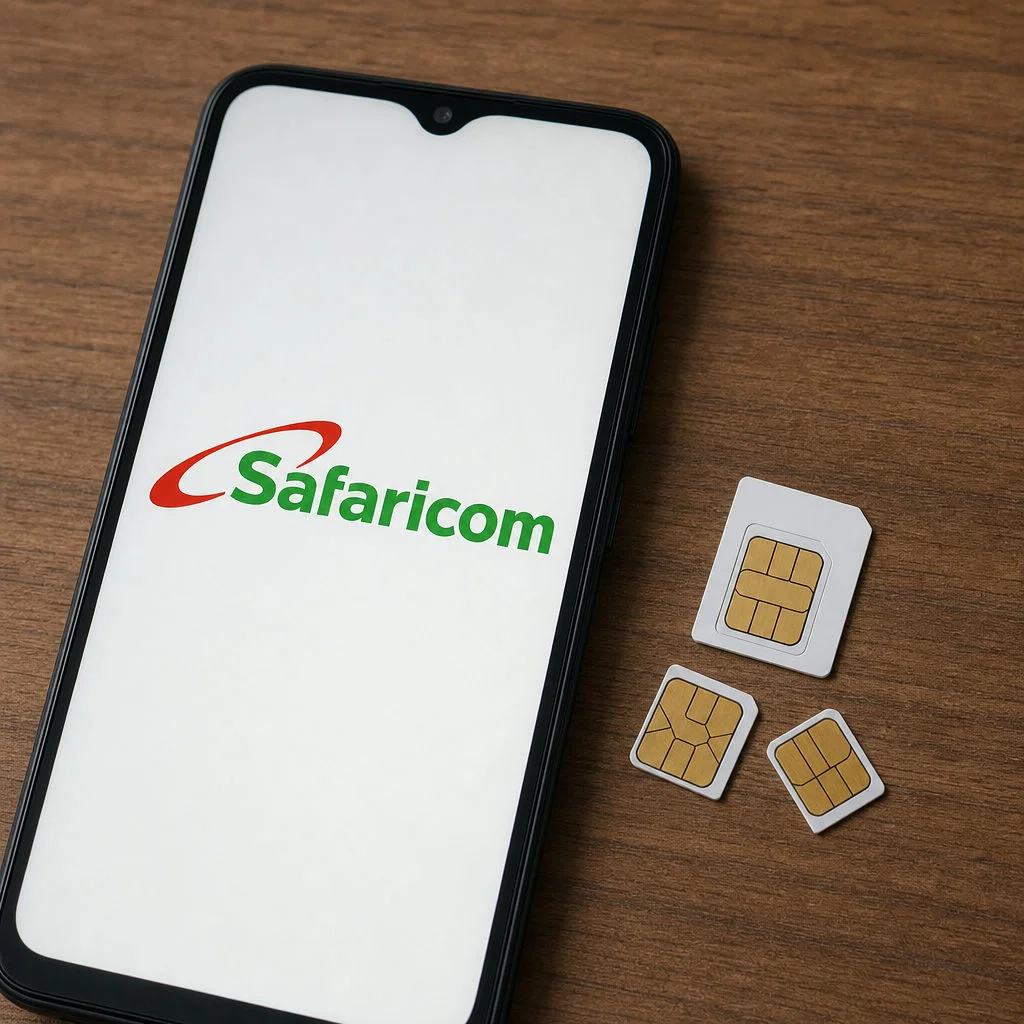
Navigating Safaricom SIM Card Sizes and eSIMs
A Safaricom SIM card in Kenya is available as a universal 3-in-1 SIM that fits Standard, Micro, and Nano trays, and it is also offered as an eSIM on compatible phones. If you're a traveler, resident, or mobile user trying to choose, buy, register, upgrade, or troubleshoot a Safaricom line, the key point is simple: you can get prepaid mobile service on Safaricom’s 3G, 4G, and expanding 5G network in the SIM format your device supports.
When purchasing a new phone, one of the first questions you might ask is about physical SIM compatibility. Modern smartphones come with different tray sizes, prompting users to ask: does Safaricom have micro SIM cards? Or better yet, does Safaricom have nano SIM cards?
The answer to both is a resounding yes. Today, every new Safaricom SIM is issued as a universal "3-in-1" card. This means the plastic card includes perforated edges allowing you to pop out a Standard, Micro, or Nano SIM depending on your device's requirements.
Beyond physical cards, Safaricom has fully embraced eSIM technology. An eSIM is a digital SIM embedded directly into your compatible smartphone, allowing you to activate a cellular plan without inserting a physical chip. As of 2024, a Kenya eSIM option is available from Safaricom for tourists. However, these plans are usually pricier than a prepaid sim card or local sim card in Kenya. This is ideal for frequent travelers who want to stay connected or run dual lines (e.g., a physical work SIM and a personal eSIM) on a single device.
This guide also explains the practical details that matter once you pick a SIM format: registration requirements, data bundles, internet settings, SIM replacement and security, network compatibility, and even Safaricom’s enterprise IoT SIM options. Knowing how Safaricom SIM cards work helps you avoid activation issues, comply with Kenya’s registration rules, protect your number and M-PESA access, and get reliable, affordable mobile connectivity while in Kenya.
The Power of LTE Mobile Network: Stepping Up to 4G
If you are still using an older network, it is time to make the switch. In Kenya’s mobile network market, Safaricom is one of the leading providers, and 4G Safaricom SIM cards are the standard across Kenya today, providing seamless streaming, faster downloads, and clearer calls.
Safaricom holds about 65% market share, and its service spans reliable 3G, 4G, and expanding 5G coverage across the country.
But what exactly is the difference between 3G and 4G SIM cards?
Speed: 4G (LTE) is significantly faster, capable of offering download speeds up to 10 times faster than 3G.
Latency: 4G features lower latency, meaning less lag during video calls or online gaming.
Voice over LTE (VoLTE): Newer 4G SIM cards Safaricom provides allow for high-definition voice calls while simultaneously browsing the internet.
The benefits of upgrading to Safaricom LTE are undeniable. From watching high-definition YouTube videos without buffering to conducting smooth Zoom meetings on the go, upgrading transforms your mobile experience.
How Do I Know If I'm Ready for 4G?
If you suspect you might be running on an older network, you might be wondering how to check if my SIM card is 4G ready. Safaricom makes this incredibly easy. Simply dial *544# and select the option to check your 4G status, or send an SMS with the word "Broadband" to 1045.
To fully utilize this network, you must have compatible smartphones for Safaricom 4G. Most modern smartphones (manufactured after 2017) support Safaricom's 4G bands (primarily Band 20 / 800MHz and Band 3 / 1800MHz). If your SIM is outdated, simply locate the nearest Safaricom shop for SIM upgrade. The upgrade is typically free, and you get to keep your current phone number.
Buying and Registering Your Safaricom Prepaid SIM Card
If you are new to the network, getting started is a breeze, but there are strict legal protocols you must follow.
What is the Cost?
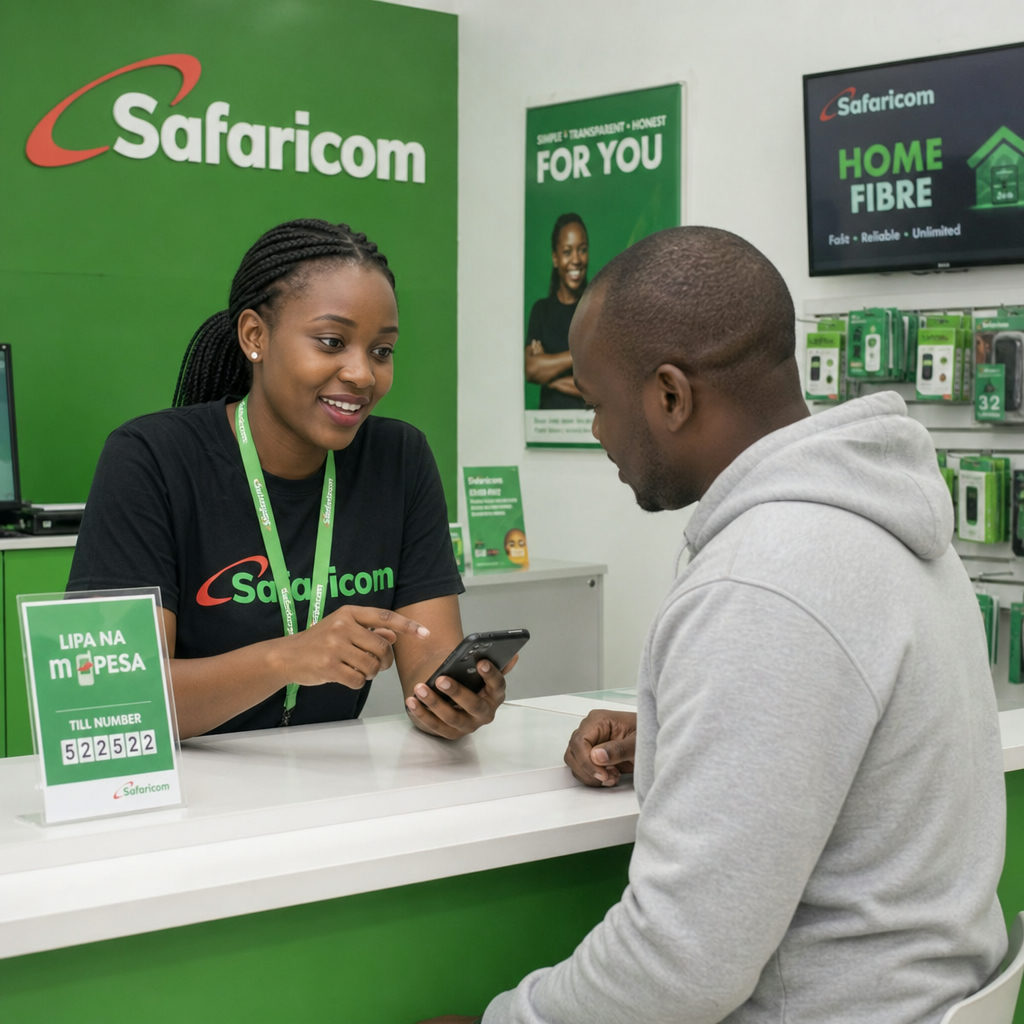
The cost of buying a Safaricom line in Kenya is highly affordable. A standard physical safaricom sim card commonly costs 50 KES and often includes 50 KES airtime, and a new sim card is usually available as a prepaid sim card option for most travelers. You can purchase one from a safaricom store or other authorized stores. eSIM activation is also available at premium Safaricom shops.
Registration Process
The Communications Authority of Kenya (CAK) mandates strict Safaricom SIM registration for security purposes. SIM card registration in Kenya usually takes about 5 minutes when your documents are ready. Here is how to register a new Safaricom line:
Provide Identification: You must present your original Kenyan National ID. If you are a foreigner, you will need your original passport and a valid visa or alien ID.
Facial Recognition: Safaricom agents now take a live photo of you during registration to prevent identity fraud.
Signature: You will sign a digital or physical form verifying your details.
Safaricom launched online SIM registration on April 15, 2022, and all active SIM cards had to be registered by October 15, 2022 under rules enforced by mobile operators and the Communications Authority.
Because mobile money is central to Kenyan life, the M-PESA enabled SIM card registration process usually happens concurrently. Once your SIM is registered, the agent will prompt you to activate M-PESA, linking it to your mobile phone number and helping you set up your account. You will receive an SMS with a start key, allowing you to set up your secure 4-digit M-PESA PIN immediately. You can also register for M-PESA at Safaricom shops, and the service is used by over a third of Kenyans.
Getting the Most Out of Your 4G Internet Connection
Once your new line is active, you want to ensure your phone is properly communicating with the network.
APN Configuration
Usually, internet settings are sent automatically via SMS when you insert a new SIM. If you cannot browse the internet, you may need to check your Safaricom internet APN configuration settings
Name: Safaricom
APN: safaricom
Proxy/Port: (Leave blank)
Username/Password: (Leave blank) Simply save these settings in your phone's network menu, toggle Airplane mode on and off, and your 4G data should work perfectly.
Troubleshooting Signal Drops
If you live in an area with fluctuating coverage, knowing how to troubleshoot Safaricom 4G signal strength issues is vital: mobile towers are usually denser in major towns and cities, so service is often stronger there than in some remote areas.
Toggle Airplane Mode: This forces your phone to reconnect to the nearest cell tower.
Check Network Settings: Ensure your phone's preferred network type is set to "4G/LTE/Auto" rather than "3G only."
Remove Phone Case: Thick, metallic phone cases can sometimes interfere with cellular reception.
Outside urban centers, the Safaricom network generally performs better than the Airtel network, including in some national parks.
Data Bundles
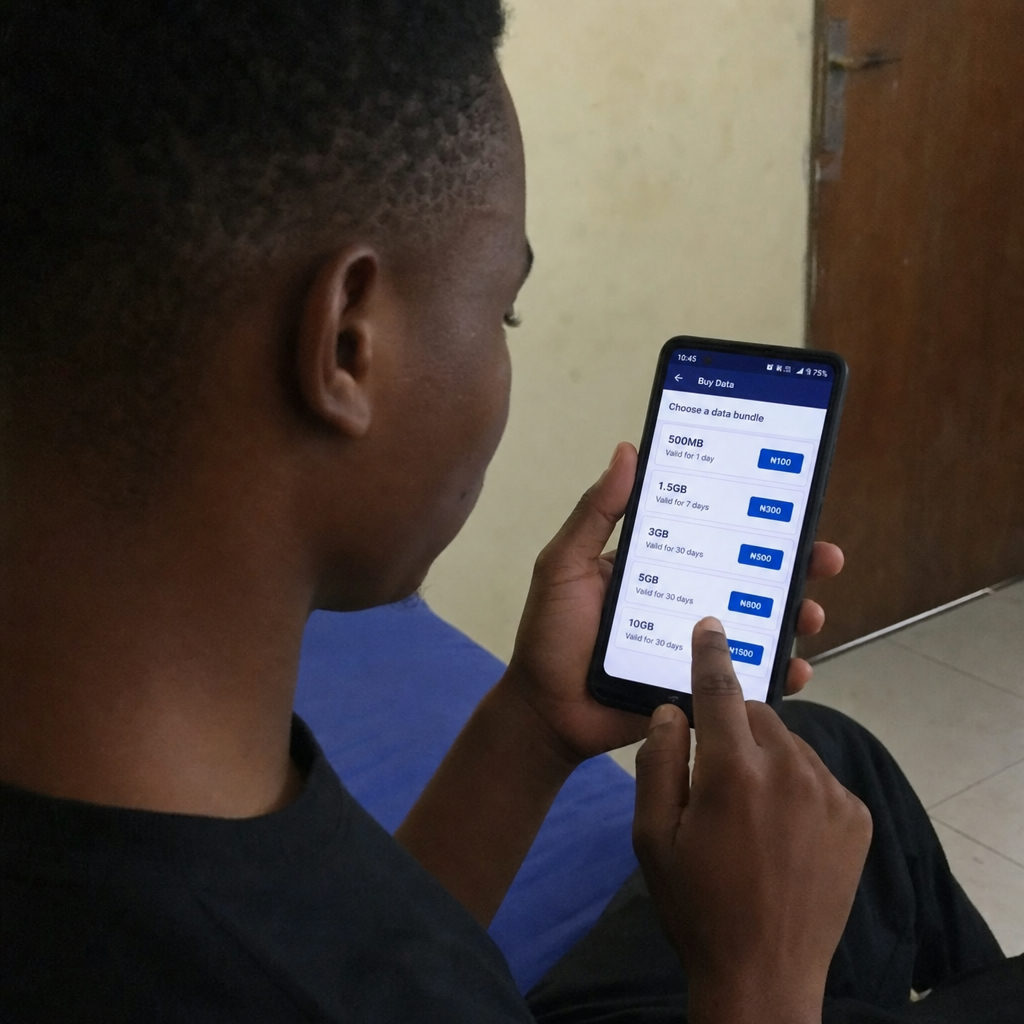
To maximize your internet experience, take advantage of the latest Safaricom data bundles for 4G network. By dialing *544#, you can access daily, weekly, or monthly "Giga" bundles, and Safaricom also lets you customize voice, SMS, and data packages from the same menu, as well as customized "Tunukiwa" offers that provide heavy data allocations at discounted rates specifically for 4G users, and you can purchase a data plan or bundle there and pay with airtime or M-PESA. For example, Safaricom's 2.5 GB monthly bundle costs 500 KES, while a 7GB monthly option typically falls in the 500-1000 KES range. Some plans also include free whatsapp access as a bundle perk. Heavier users can also find 5 GB options and even 15 GB for about $18 USD, so check how much data and total data allowance you need before choosing if you want more data without overspending. Airtel Kenya and Airtel may offer cheaper plans than Safaricom's offerings, but many travelers still choose Safaricom for wider coverage and better support. You can also handle top ups easily through M-PESA after your initial purchase. Some bundles include auto renewal or auto renew, while others need manual renewal, so watch any unused data before expiry.
SIM Security, Replacement, and Recovery
Mobile phones are easily lost, stolen, or damaged. Because your M-PESA funds are linked to your phone number, securing your line is critical.
Performing a SIM Swap
If you lose your phone, you need to know how to perform a Safaricom SIM swap. To protect users from SIM swap fraud, Safaricom has tightened the Safaricom SIM replacement procedure and requirements. To replace your line, you must visit a Safaricom shop or authorized dealer with:
Your original National ID or Passport used during registration.
Knowledge of your most frequently dialed numbers.
Your last M-PESA transaction details (to prove ownership).
You cannot replace someone else's line on their behalf without a legally binding power of attorney.
Recovering PIN and PUK Codes
If you accidentally lock your SIM card by entering the wrong PIN three times, you will be asked for a Personal Unblocking Key (PUK). Recovering Safaricom SIM card PIN and PUK codes is straightforward. You can retrieve your PUK by using another Safaricom line to dial *100# and selecting the "Get PUK" option. You will be prompted to enter the mobile number and the ID number associated with the locked SIM. Alternatively, the PUK code is printed on the original plastic card your SIM came in.
Enterprise Connectivity: IoT SIMs
While most people associate SIM cards with smartphones, Safaricom also provides enterprise-grade connectivity for businesses. Safaricom IoT SIM cards (Internet of Things) are designed specifically for machine-to-machine communication.
These specialized SIMs are used in fleet management (GPS vehicle tracking), smart agriculture (remote soil sensors), and smart utility meters. They are built to withstand harsh environmental conditions and operate on customized data plans that prioritize secure, low-bandwidth data transmission over long periods.

Looking Ahead: 4G vs 5G in Kenya
While 4G remains the backbone of internet connectivity in Kenya, Safaricom is actively rolling out its 5G network. Comparing Safaricom 4G vs 5G network capabilities reveals an exciting future.
While 4G delivers excellent speeds for standard daily usage (up to 100 Mbps), 5G pushes boundaries, offering speeds up to 10 times faster and near-zero latency. In Kenya, one of the strongest mobile markets in Africa, Safaricom now covers over 150 cities with its 5G network. However, for travel across the country, its broader 4G LTE footprint still matters most, including service in Masai Mara National Park and other remote areas. Airtel's 4G network does not match Safaricom's coverage. For nationwide reliability, rural coverage, and standard smartphone use, 4G LTE remains incredibly robust and sufficient for the vast majority of users.
My Recommendation
For most visitors, a prepaid Safaricom line is the best all-around option for travel in Kenya. Safaricom PLC combines broad national coverage, accessible M-PESA mobile money services, and support through official shops in Nairobi and other major towns. It is especially useful for itineraries that extend beyond Nairobi to safari areas, the coast, western Kenya, or less densely populated regions.
Airtel can be the best alternative when price is the main priority and you will remain in a well-covered urban area. Telkom and Faiba may also suit selected users, but their retail access, device compatibility, or geographic reach can be more limited. Travelers should therefore compare the total cost of the line, expected data use, and coverage at every destination rather than selecting a network from bundle size alone.
A physical prepaid line is usually best if you want a Kenyan number, local calls, M-PESA access, and the lowest everyday cost. An international eSIM may be more convenient if you need service immediately after landing, will stay only briefly, or do not want to visit a registration desk. Some phones support both, allowing an international eSIM for arrival and a local prepaid line for the rest of the trip.
Why Buy a SIM Card for Kenya?
Public Wi-Fi is available at many hotels, restaurants, and business venues in Nairobi, but it is not always fast, private, or dependable. Having mobile data lets you use maps, ride-hailing apps, accommodation messages, airline updates, and mobile banking without waiting for Wi-Fi. It is also helpful when arranging a safari, contacting a driver, or moving between towns in Kenya.
A local prepaid connection can cost less than daily roaming charged by an overseas operator. It also gives you a Kenyan telephone number that hotels, guides, and local businesses can call. If M-PESA is activated, you can use the same number to send and receive money or pay participating merchants, although eligibility and transaction limits depend on registration status.
For travelers continuing through East Africa, roaming may provide convenient continuity. However, domestic bundles do not necessarily work abroad, and international roaming rates can be higher. Check the current destination list, fair-use conditions, and roaming package info before leaving Kenya.
Where to Buy a SIM Card for Kenya
Nairobi International Airport
Jomo Kenyatta International Airport in Nairobi is one of the easiest places for an arriving traveler to obtain a registered prepaid line. Look for a branded Safaricom counter or an authorized telecommunications desk after immigration and baggage collection. Airport operating hours and stock can vary, especially after a late-night arrival, so do not rely on a specific counter being open.
Buying at Nairobi airport is convenient because staff are accustomed to passports and visitor registration. The total amount charged may include airtime or a starter data package in addition to the basic line. Ask for an itemized price, retain the SIM holder containing the PUK, and test a call and mobile data before leaving the counter.
Official Retail Store and Authorized Dealers
An official Safaricom store is the best place for registration help, eSIM setup, a 4G upgrade, or a problem involving M-PESA. Safaricom PLC operates customer-care locations in Nairobi and across Kenya, including shops in major malls and commercial centers. Authorized dealers and selected supermarkets are also common, but visible branding alone does not guarantee that a kiosk is authorized.
Bring the original identity document you intend to use throughout the life of the line. Do not let an agent register the number under another person's identity, and never leave your passport as security. Before paying money, request current pricing info and confirm whether the quoted total includes a bundle, airtime, or activation assistance.
Online
You may purchase an international travel eSIM online before flying to Kenya, but a standard local prepaid line must still comply with Kenyan identity-registration rules. Avoid marketplace sellers who promise an already activated number, because the registration details may not match yours and the line could later be suspended.
Online eSIM providers are convenient for immediate connectivity in Nairobi, but many data-only products do not provide a Kenyan number or access to M-PESA. Read the product info carefully, check whether tethering is permitted, and verify when the validity period begins. Some plans start when installed, while others start only when they first connect in Kenya.
Mobile Internet Operators in Kenya
Operator | Best suited to | Main caveat |
|---|---|---|
Safaricom | Broad travel around Kenya, M-PESA, rural coverage, and extensive retail support | Prepaid data may cost more than competing promotions |
Airtel | Value-focused users in Nairobi and other covered urban areas | Coverage can be less consistent on remote routes |
Telkom | Users who find a suitable promotional package and have confirmed coverage | Store availability and coverage may be limited in some destinations |
Faiba | Heavy data use in supported areas with a compatible device | Compatibility and nationwide availability require careful checking |
The best operator depends on your exact route. Safaricom serves tens of millions of customers and generally has the widest practical footprint, while Airtel competes strongly on price. Telkom may work well in a confirmed coverage zone, and Faiba can be attractive for data-focused use, but neither should be chosen without checking the places where you will sleep and travel.
These differences matter outside Nairobi. A network that performs well in the capital may have weaker service in a national park, on a highway, or near a border. If constant connectivity is essential for business, carrying two active lines on a dual-SIM phone can provide backup coverage.
Prepaid SIM Card Registration in Kenya
Registration is completed against an individual identity document, not merely against the phone. Visitors should present an original passport and any additional immigration document requested by the agent. Requirements can change, and acceptance of a particular visa format is determined by the registration system and current Kenya regulations.
Follow these steps for the safest registration experience
Use an official shop or clearly authorized dealer and ask to see the package before it is opened.
Present your original identification and allow the required live photograph to be captured.
Review the telephone number and registration details before signing.
Insert the line, restart the phone, and wait for network confirmation.
Make a test call, open a website with mobile data, and check the airtime or bundle balance.
Keep the receipt and original SIM holder in a separate, secure place.
Registration rules were already a major consideration in 2024 and continue to affect new and existing lines. A prepaid line registered incorrectly may be disconnected, and correcting ownership later can be difficult. Never share an M-PESA PIN, one-time password, or full identification image with an unofficial online seller.
Best 4G and 5G Network in Kenya in 2024
For travelers comparing the market using 2024 coverage information, Safaricom was generally the best choice for broad 4G availability across Kenya. Airtel offered meaningful urban competition, while Telkom and Faiba were more dependent on location and device support. The 2024 Safaricom network footprint was particularly relevant to people traveling beyond Nairobi.
Coverage maps are predictive rather than guaranteed. Buildings, terrain, congestion, weather, handset bands, and distance from a mast can all affect real performance. Check the official Safaricom 4G/5G network coverage map for your hotel and route, and compare it with the Airtel 4G network coverage map, Telkom 4G network coverage map, or Faiba 4G network coverage map when considering another provider.
Is There 5G in Kenya?
Yes. Safaricom launched commercial 5G in Kenya before 2024 and continued adding locations during 2024. Service is strongest in selected parts of Nairobi and other cities, and expansion has reached more towns over time. Airtel also launched 5G service in Kenya, creating additional competition in the market.
A 5G-capable phone does not guarantee a 5G connection. The device must support the operator's bands, 5G must be enabled in settings, the line and package must be eligible, and you must be inside a live coverage area. Travelers should regard 5G as a useful bonus; broad 4G remains more important for a trip across Kenya or elsewhere in East Africa.
Network information published in November 2024 or earlier is a historical snapshot, not a promise of current street-level service. If you found a 2024 Safaricom coverage article dated November 2024, verify it against the operator's current map. Safaricom PLC has continued expanding infrastructure since November 2024, while congestion and local conditions may still produce different results.
Prices for Kenya Prepaid SIM Cards
The basic line and the bundle are separate costs. A low purchase price may cover only the starter card, while a tourist package can include voice minutes, SMS, and data. As a practical 2024 benchmark, the following ranges illustrate how costs were commonly structured, but they are not guaranteed current tariffs:
Item | Typical price or range | Caveat |
|---|---|---|
Basic Safaricom prepaid line | About 50 KES | Registration is required; included airtime can vary |
Small daily bundle | Usually tens of KES | Short validity and possible auto-renewal |
2.5 GB monthly bundle | About 500 KES | Offers and allocations can change |
Medium monthly package | About 500–1,000 KES | Confirm exact data, voice, and expiry terms |
Heavy-use package | Often above 1,000 KES | Promotional pricing and fair-use terms may apply |
Pricing changed during 2024 and can change again after any November promotion or tariff review. Dial *544# or use the official Safaricom app for current prepaid offers associated with your number. Personalized deals may differ between customers, so a screenshot from November 2024 may not match the menu you see today.
For example, a visitor spending three days mainly in Nairobi may need only a small daily package for maps and messages. A two-week safari visitor may be better served by a monthly bundle because frequent daily renewals can cost more. Someone working remotely should estimate video-call consumption, test coverage first, and then buy additional data rather than committing all their money to the largest package immediately.
Frequently Asked Questions
How do I activate Safaricom roaming in the USA?
Activate roaming before leaving Kenya whenever possible. Prepaid customers can check the roaming options through the *100# menu or MySafaricom app, while postpaid users can use the relevant account menu or contact Safaricom support. After arriving in the USA, enable data roaming on the phone and select an available partner network automatically or manually. Purchase an international roaming bundle first, because ordinary voice and data rates can be expensive. If activation fails, contact Safaricom through its official online support channel while connected to Wi-Fi.
How to get a Safaricom SIM card?
Visit an official Safaricom shop, airport counter, or authorized dealer in Kenya with your original Kenyan ID or passport and any required immigration document. The agent registers the prepaid line, captures the required photograph, and activates it. Insert it into an unlocked phone, restart the device, test service, and purchase a suitable bundle through *544# or M-PESA.
How to activate Safaricom SIM card while abroad?
A brand-new line generally cannot be fully registered and activated abroad because Kenyan registration requires identity verification through an approved process. If the line was already registered and active in Kenya, enable international roaming, maintain airtime or an eligible roaming package, and connect to a partner network. A line that has been inactive for a long period may require support or an in-person identity check.
How to replace Safaricom SIM card while abroad?
A standard SIM replacement normally requires identity verification at a Safaricom shop in Kenya, so completing a physical swap from South Africa, the USA, or another overseas location may not be possible. Contact official customer care immediately to secure a lost line and protect M-PESA money. Ask whether remote verification or an eSIM option is available for your account, but do not assume it will be approved. An authorized representative in Kenya may need a legally valid power of attorney and the documents required by Safaricom.
Conclusion
Whether you are configuring your APN settings, replacing a lost line, or simply upgrading an old 3G card, dealing with your network provider doesn't have to be complicated. Safaricom has streamlined everything from M-PESA activation to offering a universal SIM that fits any phone tray. By ensuring your device is 4G compatible, keeping your registration details up to date, and understanding how to safeguard your PUK and SIM replacement procedures, you can enjoy a fast, secure, and uninterrupted digital life in Kenya. If you're crossing the border, a Safaricom SIM card can also work in neighboring countries with roaming activated, and roaming packages are available across East Africa. If you're continuing to other countries around the world, an international sim card may be worth comparing; for example, Sim Local offers a 5 GB eSIM for $33 USD in Kenya. If your route continues south beyond East Africa, to markets such as South Africa, compare roaming rates against a local option before you travel, especially if the trip is for business.