Morocco eSIM Guide: Coverage, Setup and Plans
Everything you need before you fly: how to pick a plan, where coverage is strong, how to install your eSIM on iPhone or Android, which devices work, and answers to the questions travelers ask most.
Buy Morocco eSIM: Plan Comparison
Morocco eSIM from $2.99: pick the number of days you need and get your QR code by email right after checkout. Every plan listed here is a daily high-speed data plan. Once you use the daily high-speed allowance, you stay connected at reduced speed until it resets. We don't promise unlimited high-speed data.
| Plan | Data allowance | Validity | Network technology | Network | Hotspot | Price | Select |
|---|---|---|---|---|---|---|---|
| 1 Day Unlimited | 1 GB high-speed per dayReduced speed after the daily allowance. Your order shows the exact reduced speed. | 1 day | 5G | Orange Morocco | Usually works; depends on your phone and the local network | $2.99 | |
| 7 Days Unlimited | 1 GB high-speed per dayReduced speed after the daily allowance. Your order shows the exact reduced speed. | 7 days | 5G | Orange Morocco | Usually works; depends on your phone and the local network | $17.99 | |
| 15 Days Unlimited | 1 GB high-speed per dayReduced speed after the daily allowance. Your order shows the exact reduced speed. | 15 days | 5G | Orange Morocco | Usually works; depends on your phone and the local network | $29.99 | |
| 30 Days Unlimited | 1 GB high-speed per dayReduced speed after the daily allowance. Your order shows the exact reduced speed. | 30 days | 5G | Orange Morocco | Usually works; depends on your phone and the local network | $52.99 |
Catalog prices are shown before discounts and can differ from a custom-date or multi-eSIM quote. Check the final price and plan in the buy box and cart.
Which Morocco eSIM plan is right for you?
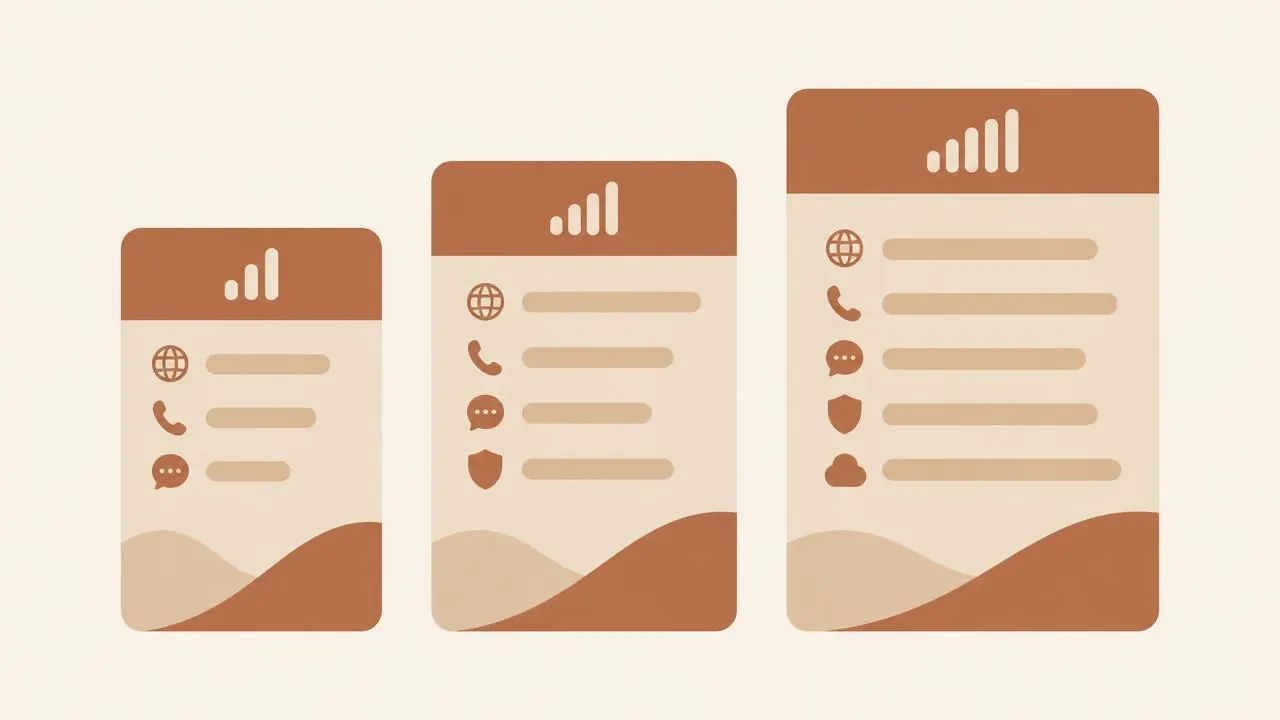
Weekend in Marrakech? The 1-day or 7-day plan is usually enough. For a two-week loop through Fes, Chefchaouen and the Sahara, pick 15 days. Long stays and remote workers usually save more per day with the 30-day plan. Every plan gives you the same daily high-speed allowance, so you just choose how many days you'll be in Morocco.
Why Choose the Best eSIM for Morocco
The best eSIM for Morocco is one you can set up before you fly, that connects soon after landing, and that tells you clearly what you're paying for. Here is what you get when you buy a Morocco eSIM from SafarieSIM.
Instant QR delivery
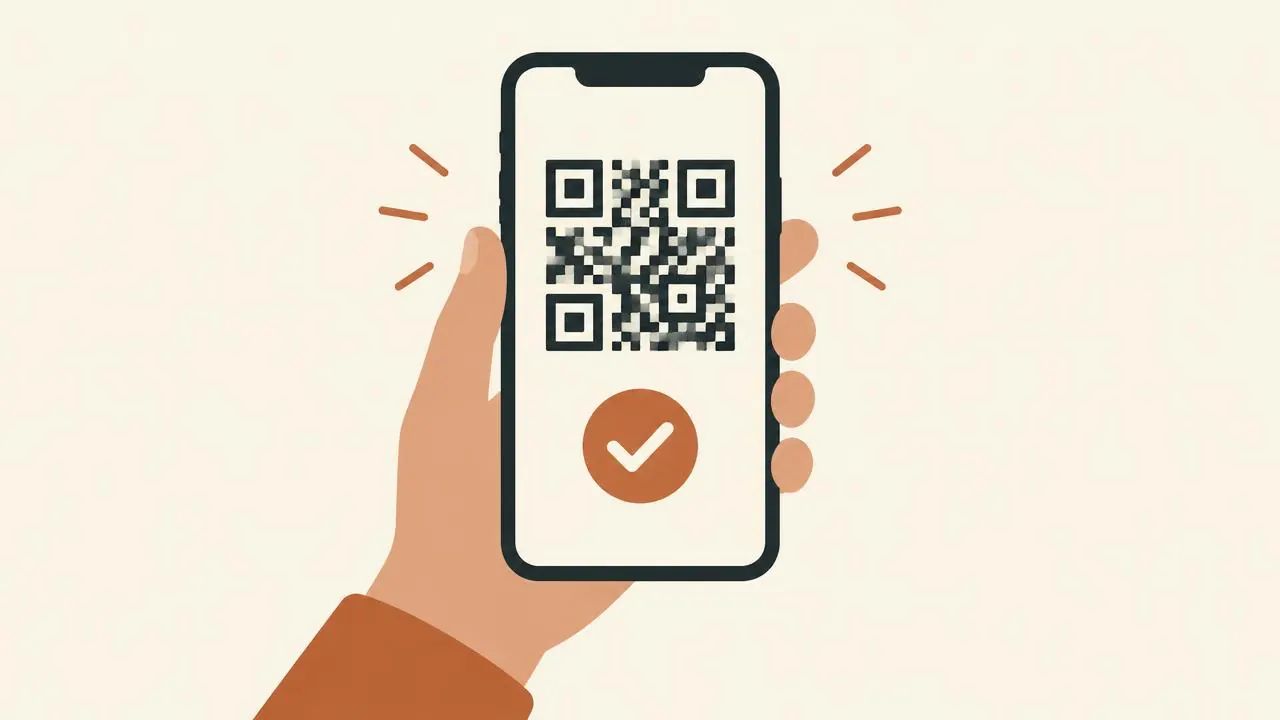
Your QR code arrives by email a few moments after payment and also appears in your account. No shop visits, passport copies or plastic SIM cards.
Partner network in Morocco
Your Morocco eSIM connects through our supplier's partner network: Orange Morocco. The page lists only networks that our supplier has confirmed.
Real human support
Reach our team by chat and email about setup, top-ups or connection problems. Include your order number so we can check your eSIM quickly.
Money-back guarantee and clear terms
Our Terms explain refund eligibility and the fair-use rules, and eligible purchases also earn SafariCoins toward your next trip.
Morocco eSIM Coverage & Networks
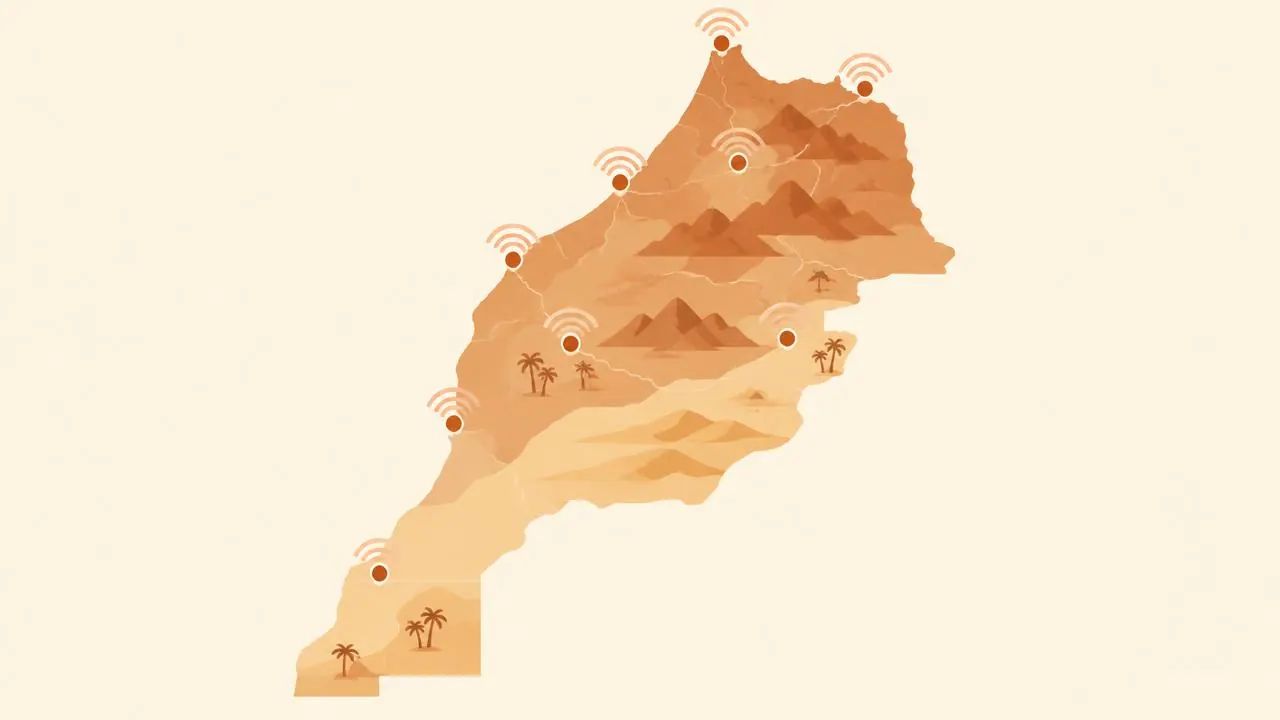
Morocco has three national mobile operators: Maroc Telecom, Orange Morocco and Inwi. Coverage is strongest in cities and along main highways. A travel eSIM doesn't automatically use every operator, so we only name networks our supplier has confirmed for this offer.
Major cities
Marrakech, Casablanca, Rabat and Fes usually have strong 4G in the medinas, new towns and hotel districts. 5G depends on your plan, your device and the local network.
Airports
At Casablanca Mohammed V (CMN), Marrakech Menara (RAK) and Rabat-Salé, turn on your travel eSIM after landing. Signal inside terminals varies, so keep your hotel address saved offline.
Atlas, Sahara and rural routes
Mountain roads, the High Atlas and desert areas around Merzouga and Zagora can have weak signal or none. Download offline maps and bookings before you leave town.
Marrakech
Marrakech has strong 4G across the medina, Gueliz and the hotel districts, so maps and ride-hailing work well around Jemaa el-Fna and the souks. Signal can dip inside thick-walled riads — step into the courtyard if a call drops.
Casablanca
Casablanca is Morocco's best-connected city, with strong 4G along the Corniche, the business district and around Casa Voyageurs station. It is a reliable place to download offline maps and bookings before heading south.
Rabat
Rabat and neighboring Salé have dependable 4G in the center, around the Hassan Tower and along the tram lines. Coverage stays solid on the train corridor toward Casablanca and Tangier.
Fes
Fes has good 4G in the new town and around the medina gates. Inside the Fes el-Bali maze, narrow alleys and old stone walls can weaken the signal, so save your riad's location offline before you wander.
Supplier-confirmed network for Morocco: Orange Morocco. Maroc Telecom and Inwi are local operators but aren't confirmed for this offer.
3G/4G/5G labels describe supported technologies, not guaranteed speeds or coverage at a particular address.
How to Install Your Morocco eSIM
Setup takes about five minutes. Install your Morocco eSIM at home over Wi-Fi a day or two before you fly, then switch it on when you land. You'll need an eSIM-compatible, carrier-unlocked phone (iPhone on iOS 12.1 or later, or a recent Android).
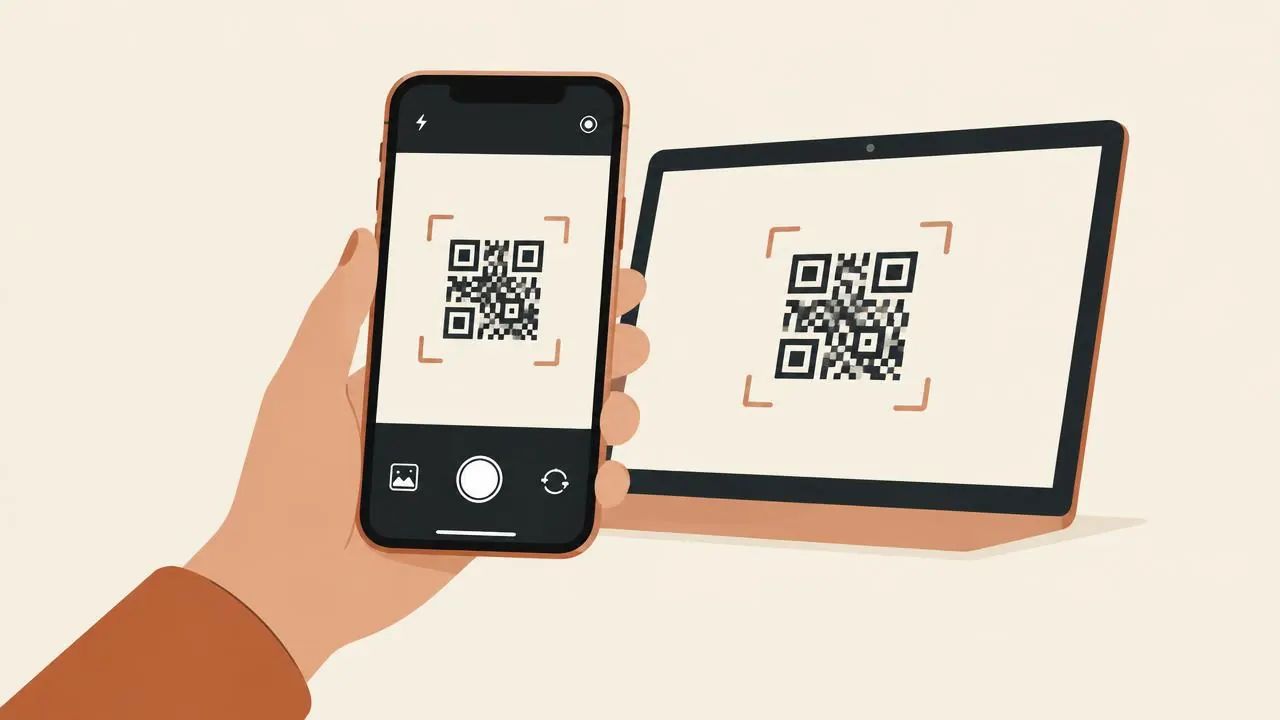
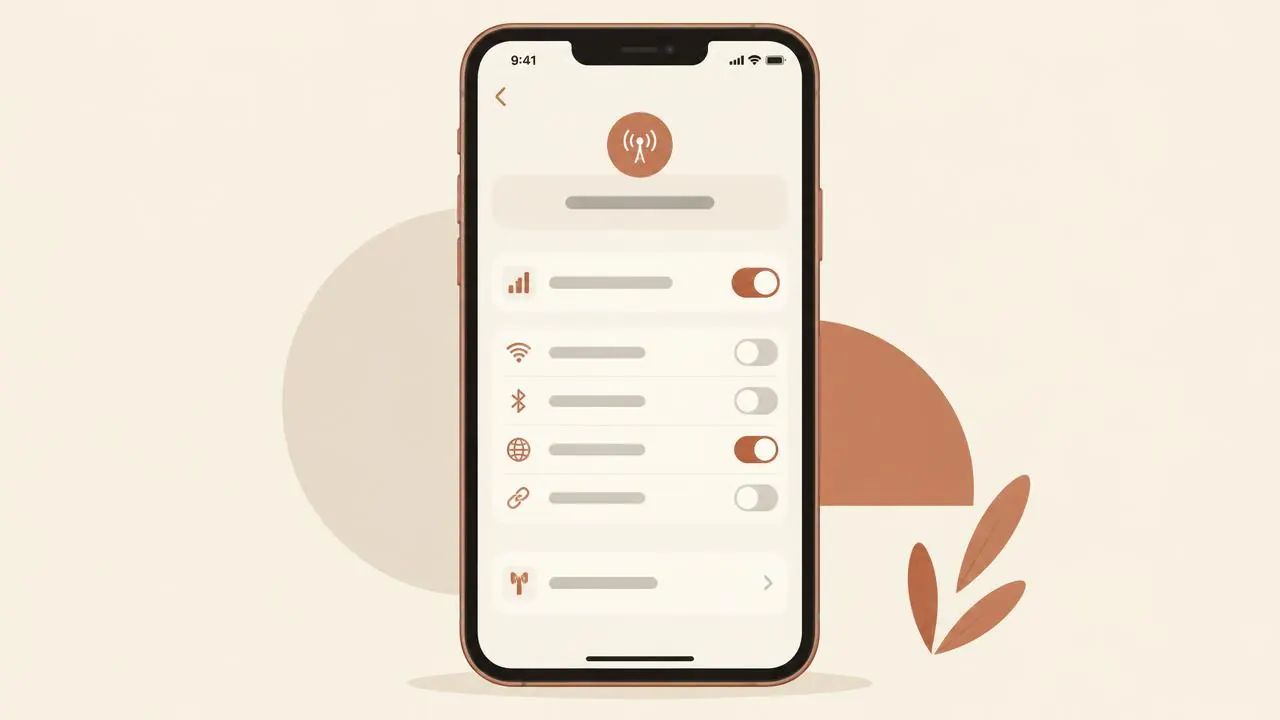
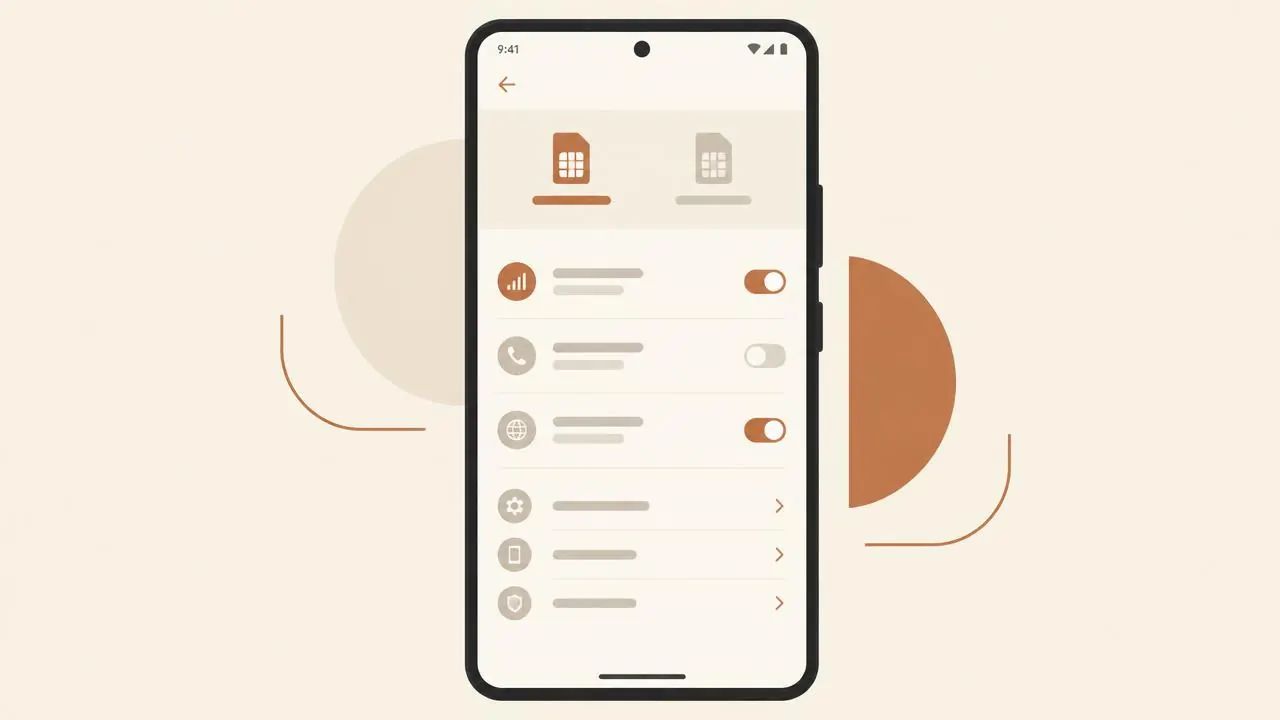
1. iPhone (iOS 12.1+)
On Wi-Fi, go to Settings → Cellular (or Mobile Data) → Add eSIM → Use QR Code. Scan the code from your email or account on another screen, label the line "Morocco", and keep your primary line for calls and texts.
2. Android (Samsung, Pixel and others)
On Wi-Fi, go to Settings → Connections or Network & Internet → SIM manager → Add eSIM → Scan QR code. Menu names vary by brand. Samsung calls it "SIM manager" and Pixel calls it "SIMs".
3. APN settings
Most phones set the APN automatically. If data doesn't connect, enter only the APN listed in your order instructions. Don't copy an APN from another provider.
4. When your plan activates
Installing the eSIM and activating the plan are separate steps. Your plan's validity starts the first time the eSIM connects to a supported network in Morocco. When you land, make the Morocco line your mobile data line and turn on data roaming for it.
5. No data? Quick fixes
Check the travel line is turned on and chosen for mobile data, and that data roaming is on for this eSIM. Then turn airplane mode on and off. If it still doesn't work, contact support with your order number.
Device Compatibility
Your Morocco eSIM works on eSIM-capable phones, including iPhone XS, XS Max, XR and newer; eSIM-enabled Samsung Galaxy S, Z Fold/Flip and some A models; Google Pixel 3 and newer (excluding some regional models); and many other recent Android phones.
Your phone must be carrier-unlocked. Phones bought on contract, especially in the US, Canada and Australia, are often locked to one carrier. Ask your carrier to unlock your phone before you travel, since this can take a few days.
With dual SIM, keep your home number active for calls, texts and bank verification codes while your Morocco eSIM handles data. Turn off data roaming on your home line to avoid unexpected roaming charges.
Travelers from the US, UK, Canada, Australia, Germany, France, Spain and the UAE: regional versions differ. For example, some iPhones sold in mainland China have no eSIM, and US iPhone 14 and later models are eSIM-only. Check your exact model before you buy.
Check your exact device
Using Your Data in Morocco
A few habits make a daily high-speed allowance go much further on a Morocco trip.
Maps and navigation
Download offline maps for Marrakech, Fes and your desert route over Wi-Fi before you leave your hotel. Navigation then uses very little mobile data, and you stay covered where signal is weak.
Messaging
WhatsApp, iMessage and similar apps use little data for texts and voice notes. Send photos and videos when you are back on Wi-Fi to protect your daily high-speed allowance.
Calls over data
This is a data-only eSIM, so use internet calling apps for voice and video. Keep your home SIM active for bank codes and ordinary calls, with its data roaming switched off.
Traveling beyond Morocco?
Planning a longer trip through North Africa or Europe? Compare our other country pages.