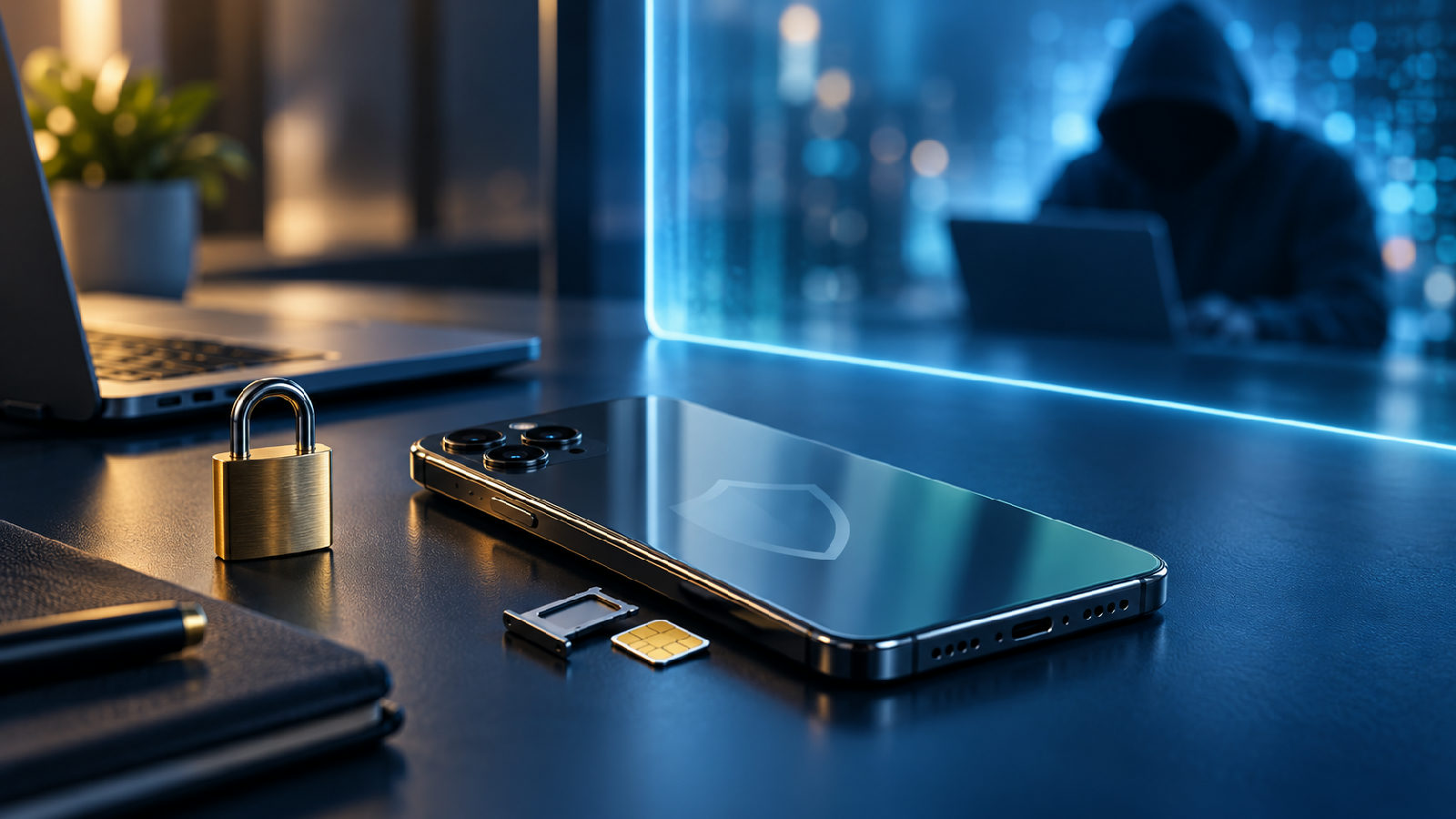
SIM swap fraud prevention requires securing your mobile carrier account with a strong PIN, enabling two-factor authentication that doesn't rely on SMS, and monitoring your phone for sudden loss of service. Attackers convince your carrier to transfer your number to a SIM card they control, giving them access to text-based login codes and password resets for your financial accounts. This modern threat exploits the trust relationship between you and your mobile network provider.
Attackers convince your carrier to transfer your number to a SIM card they control, giving them access to text-based login codes and password resets for your financial accounts.
This modern threat exploits the trust relationship between you and your mobile network provider.
Once they control your number, criminals can reset passwords, approve wire transfers, and drain cryptocurrency wallets in minutes.
True protection starts with understanding how these attackers move through your carrier's verification system.
Protecting yourself means hardening both your carrier account and the services linked to your phone number.
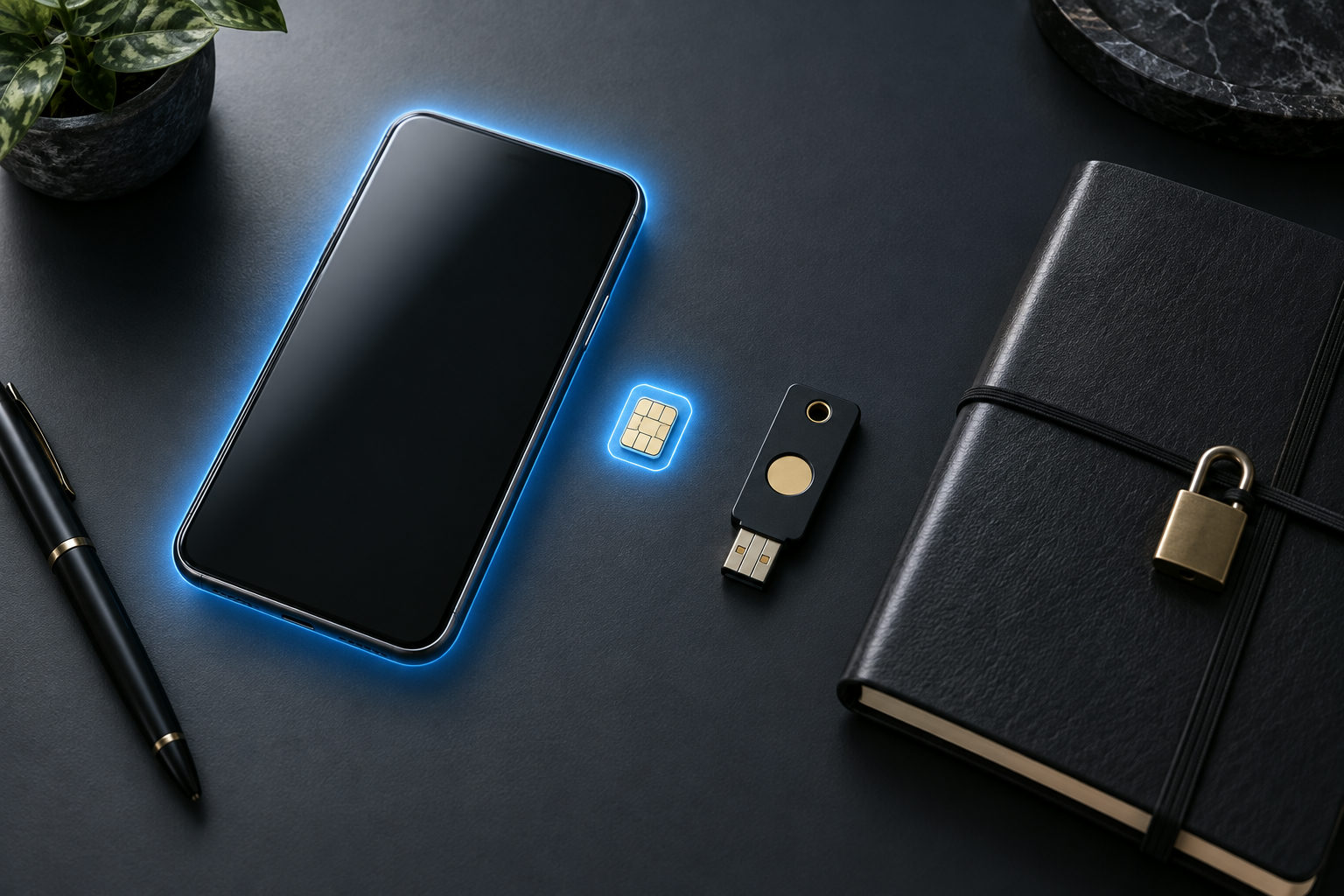
SIM swap prevention starts with securing both your carrier account and the accounts tied to your phone number.
The attack works because most carriers verify identity with easily researched information like your date of birth, the last four digits of your Social Security number, or answers to security questions pulled from data breaches. Once they control your number, criminals can reset passwords, approve wire transfers, and drain cryptocurrency wallets in minutes. True protection starts with understanding how these attackers move through your carrier's verification system.
Protecting yourself means hardening both your carrier account and the services linked to your phone number. The steps below address both layers, starting with the carrier-side controls that stop the swap itself. Each change you make reduces the window of time an attacker has to compromise your data.
What Is SIM Swap Fraud and How Does It Work?
SIM swap fraud occurs when an attacker convinces your mobile carrier to transfer your phone number to a SIM card they control. Once the swap completes, they receive your calls, texts, and most critically, any two-factor authentication codes sent via SMS. Your phone goes silent, and theirs becomes the gateway to your accounts. The attacker can now send password reset requests to any service linked to your number.
How do people do SIM swap fraud?
Attackers typically gather personal information through phishing emails, data breaches, or social media research. Armed with details like your date of birth, address, or account PIN, they contact your carrier's support line or visit a retail store. They pose as you, claim they've lost their phone or switched devices, and request the number be moved to a new SIM card. A SIM swap attack can occur within minutes once the fraudulent request is submitted. Carriers authenticate these requests using the stolen information, and the swap goes through rapidly. Modern social engineering tactics enable criminals to sound convincing even without complete information.
The moment your number transfers, the attacker can reset passwords on email, banking, and cryptocurrency accounts by intercepting SMS verification codes. They send password reset requests, receive the codes on their device, and lock you out before you realize what's happening. The fraud succeeds because SMS-based authentication treats possession of your phone number as proof of identity, and carriers often approve swaps with minimal verification. Check your carrier's security settings to see what verification they require before processing such a request.
Resources for understanding SIM swap fraud continue to evolve. TD's article on protecting against SIM mobile scams, dated June 16, 2025, is labeled as a 5-minute read. Trend Micro's US SIM-swapping article was last updated on February 5, 2026. Verizon provides guidance on what SIM swapping is and how to protect your device from SIM hackers, including emergency contact options: dial *611 for airtime-free support (even if your device has been deactivated), or call 1-800-922-0204 from any phone to report an unauthorized SIM change. After regular business hours, customers can access 24-hour live-chat support by logging in and typing 'Live Agent' into Verizon Chat Assistant. All three sources provide complementary guidance on recognizing and preventing these attacks.
How Can You Tell If Someone Has SIM Swapped You?
The first sign of a SIM swap attack is sudden loss of cellular service. Your phone will display "No Service" or "SOS Only" even though you're in an area with strong network coverage. This happens because the attacker has transferred your number to their SIM card, effectively deactivating yours. If your device loses connectivity without explanation—no outage notifications from your carrier, no recent travel to remote areas—a swap may be in progress. Check your carrier's website or social media channels from another device to verify whether a network outage is active in your area.
Can You Protect Yourself From SIM Swapping?
Yes. Contact your carrier immediately to add a PIN or passcode requirement for any account changes. This prevents customer service representatives from transferring your number without verbal confirmation of that code. Enable two-factor authentication using an authenticator app rather than SMS, since text messages become worthless once your number is hijacked. Monitor your email for notifications about SIM changes or login attempts you didn't initiate. Start by reviewing which accounts currently rely on SMS codes and move them to app-based authentication next.
How to Tell If Someone SIM Swapped You?
Watch for these warning signs
Sudden loss of all cellular connectivity with no carrier-reported outage
Notifications of unusual account activity or password resets you didn't request
Messages from friends asking about suspicious texts sent from your number
Confirmation emails from your carrier about a SIM change you never authorized
If you notice any combination of these signals, assume compromise and act within the next hour. Call your carrier from a different phone or use their website to report unauthorized access. Time matters: the faster you report the incident, the less content an attacker can access across your accounts.
Essential Steps to Secure Your Mobile Carrier Account
Your carrier account is the first line of defense. Contact your mobile provider and request a PIN or password requirement for any account changes. AT&T, Verizon, and T-Mobile all offer passcode protection that forces anyone requesting a SIM swap to provide the code in person or over the phone. Choose a PIN that differs from your voicemail code and avoid common patterns like birth years or repeating digits. This single change can block the majority of automated fraud attempts.
Enable login alerts for your carrier account so you receive a notification whenever someone accesses it. Most providers send these alerts via email or the carrier's mobile app rather than SMS, which keeps you informed even if your phone service is already compromised. Check your account settings monthly to confirm the registered email address is still yours and that no unauthorized recovery options have been added. Review any active security questions and replace answers that could be researched through social media or public data sources.
Remove SMS as a two-factor authentication method wherever possible. Banks, email providers, and social media platforms now support authenticator apps like Google Authenticator, Authy, or hardware keys such as YubiKey. These methods generate codes locally or require physical presence, so an attacker who controls your phone number cannot intercept the login message. For accounts that only offer SMS verification, contact support and ask if they provide app-based or email-based alternatives. Click through each platform's security settings to audit which authentication methods are currently active.
Review the phone numbers linked to your most sensitive accounts quarterly. Payment platforms, cryptocurrency exchanges, and email services often store multiple recovery phone numbers, and outdated entries create vulnerabilities. Delete any numbers you no longer control and ensure your primary contact information is current. True account security means maintaining accurate recovery data across every platform you use.
Does a SIM PIN Prevent SIM Swapping?
Does having a SIM PIN prevent SIM swapping?
A SIM PIN stops someone who physically steals your phone from using the SIM card, but it does nothing to prevent SIM swapping. The PIN protects access to the card itself when the device restarts or the SIM is moved to another phone. Once an attacker convinces your carrier to transfer your number to a new SIM card in their possession, your PIN becomes irrelevant—the swap happens on the carrier's network, not on your device. The carrier processes the request without ever touching your physical hardware.
SIM swapping bypasses device-level protections entirely because the fraud occurs at the account level with your mobile carrier. An attacker impersonates you through social engineering or uses stolen data to authorize the transfer. Your carrier moves your phone number to the attacker's SIM without ever touching your physical card or needing your PIN. Understanding this distinction is essential for building true protection against modern fraud techniques.
Real protection requires securing your carrier account directly. Set a separate account PIN or passcode with your mobile provider, enable two-factor authentication on the account itself, and flag your account for extra verification before any SIM changes. A device PIN and a carrier account PIN serve completely different functions—only the latter addresses the core vulnerability that makes SIM swapping possible. Report any suspicious activity to your carrier immediately and request they add additional verification steps to your account profile.
eSIM vs. Physical SIM: Which Is Safer From SIM Swap Fraud?
eSIMs offer measurably stronger protection against SIM swap fraud than traditional plastic cards. A physical SIM can be transferred to another device through a simple carrier request—often completed by a fraudster who has stolen enough personal information to pass basic verification. Once the carrier processes the swap, your number moves to the attacker's phone immediately. The physical card makes it easy for attackers to move quickly from one device to another.
An eSIM cannot be physically removed or inserted into another device. The profile lives in your phone's hardware and requires a QR code or activation code to provision. An attacker would need both your device and your carrier credentials to successfully move an eSIM to new hardware. This two-factor requirement blocks most remote fraud attempts that rely on social engineering carrier support staff. Modern eSIM implementations create a true barrier against unauthorized number transfers.
Modern eSIM implementations add another layer: many carriers now send an in-app notification or require you to click a confirmation link before any profile transfer proceeds. That real-time alert gives you a chance to block the fraudulent request before your number leaves your control. Physical SIM swaps rarely trigger such warnings until the damage is done. You can start the conversion process through your carrier's mobile app or online portal.
The trade-off is convenience. If you lose your phone, reactivating an eSIM takes longer than swapping a physical card between devices. But for fraud prevention, that friction works in your favor. Each additional verification step reduces the attacker's ability to move through the process undetected.
How to Convert a Physical SIM to an eSIM Securely on iPhone or Android
Converting to an eSIM gives you stronger control over your mobile identity because the profile lives inside your device's secure chipset rather than on a removable card. Most major carriers now support eSIM conversion through their mobile apps or online account portals. Before you start, confirm that your device supports eSIM—iPhone XS and newer, Google Pixel 3 and later, and Samsung Galaxy S20 onward all include the technology. Check your device specifications if you're unsure whether eSIM support is active on your model.
To convert securely, log into your carrier account using a trusted device and network—never on public Wi-Fi. Navigate to the SIM management section and select the option to convert your active physical SIM to eSIM. The carrier will generate a QR code or provide an activation code that you scan or enter directly on your phone. This process deactivates your physical SIM immediately, so remove it from your device once the eSIM activates to prevent any confusion. The next step is to verify that your new eSIM profile is functioning correctly across all network services.
Check that your eSIM is functioning by placing a test call and sending a text message. Enable a SIM PIN on the new eSIM profile within your phone's settings to add another security layer. If your carrier offers an eSIM lock feature, activate it—this prevents anyone from transferring your number without additional verification, even if they compromise your online account. Modern devices make this conversion straightforward, and the security benefits justify the brief setup time required.
How to Protect Banking, Email, and Social Media Without SMS Codes
SMS-based two-factor authentication is the weakest link in account security because it relies entirely on your phone number—exactly what SIM swap attackers target. Replace text message codes with authenticator apps like Google Authenticator, Microsoft Authenticator, or Authy. These generate time-based codes that live on your device, not your SIM card, so hijacking your number gives an attacker nothing. Click through your account security settings on each platform to make this change today.
For high-value accounts like banking and email, enable hardware security keys such as YubiKey or Google Titan. These physical devices require you to tap or insert the key during login, creating a barrier no remote attacker can bypass. Major banks including Bank of America, Chase, and Wells Fargo now support FIDO2 keys, as do Gmail, Outlook, and most social media platforms. True multi-factor authentication means combining something you know with something you physically possess.
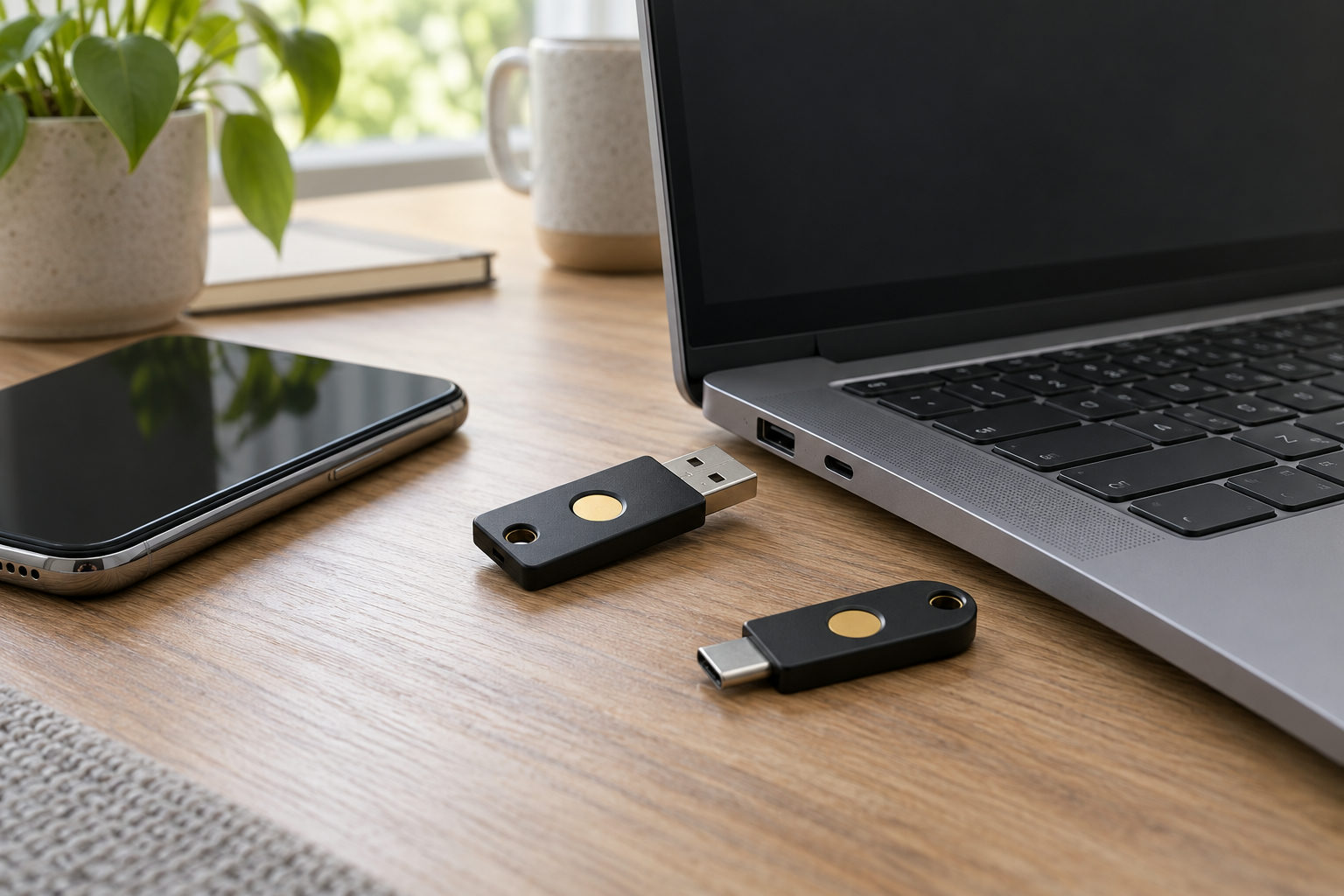
Hardware security keys can protect important accounts without relying on SMS codes tied to a phone number.
Review every account that uses your phone number for password resets. Go into account settings and remove your mobile number as a recovery option where possible, or add a secondary email address you control. On platforms like Instagram, Facebook, and Twitter, disable SMS authentication entirely and switch to app-based codes. Even if an attacker gains access to your number, they cannot reset passwords or intercept login prompts that never touch the cellular network. Check your security settings across all platforms and document which accounts still rely on SMS verification so you can prioritize their conversion to more secure methods.
What Should You Do Immediately After a SIM Swap Attack?
Contact your mobile carrier the moment you lose service. Request an immediate account freeze and demand they reverse the unauthorized SIM swap. Most carriers can restore your number to your original SIM or eSIM within minutes if you verify your identity through their fraud department. Document the exact time your service dropped and ask for a reference number—you'll need both for police reports and financial institution claims. Start this process immediately; every minute of delay gives the attacker more time to access your accounts and extract sensitive data.
If you're a Verizon customer who receives an unauthorized SIM change notification, dial *611 immediately—this call is airtime-free and works even if your device has been deactivated. You can also call 1-800-922-0204 from any phone to report the incident. After regular business hours, Verizon's live-chat support is available for 24 hours, providing another reporting channel when phone lines are busy.
In the United States, the FCC released its Enforcement Advisory on fraudulent SIM swapping on December 11, 2023, reminding carriers of their obligation to prevent these schemes. Regulatory pressure has increased carrier accountability, but customer vigilance remains essential. Document your carrier's response time and reference the FCC advisory if you encounter resistance when reporting fraud.
Call your bank and credit card issuers next, before the attacker can move money or request new cards. Freeze all accounts, revoke any pending transfers, and alert them that your phone number has been compromised. If you use SMS codes for account recovery, those authentication methods are now controlled by the attacker until your number is restored. Request that all SMS-based security be temporarily disabled and switch to app-based authentication or in-person verification. Report each incident to create a paper trail that protects you from liability for fraudulent transactions.
File a police report within 24 hours. Financial institutions and credit bureaus require an official report number to dispute fraudulent transactions and place fraud alerts on your credit file. Report the incident to the FTC at IdentityTheft.gov and consider freezing your credit with all three bureaus to prevent the attacker from opening new accounts in your name. Modern fraud recovery depends on documentation: the more evidence you gather, the easier it is to reverse unauthorized changes and restore your accounts to their previous state.
How to Safely Buy and Activate a New SIM Card Without Creating Vulnerabilities
When purchasing a new SIM card from a carrier store or online, verify your identity documents are handled securely and request that the agent add extra authentication requirements to your account before activating service. Ask the carrier to flag your account with a port-out block or enable a dedicated transfer PIN that prevents number reassignment without additional verification. Retain your activation receipt and confirmation code; these documents prove you authorized the SIM swap if a dispute arises later. Check that all account contact information is current before leaving the store or completing the online activation process.
Travelers face elevated risk when buying temporary local SIM cards abroad. Providers in some countries have minimal identity verification, and inserting a foreign SIM card can trigger automatic service suspensions with your home carrier that attackers exploit to claim your number was abandoned. Before departure, contact your primary carrier to document your travel dates and confirm your phone number will remain locked during your absence. Enable international roaming or switch to an eSIM for temporary connectivity rather than physically removing your primary SIM. This approach keeps your number active on your home network even while you use local data services.
If you must use a physical card while traveling, photograph both sides before installation and store the original SIM in a secure location. Check your home carrier account daily through their app or website to confirm no unauthorized port requests or SIM changes have been initiated while you're away. Time zone differences can delay your response to fraud alerts, so set up push notifications that will wake you if suspicious activity occurs during off-hours in your travel destination.
How long does it take for a SIM swap fraud attack to happen?
A successful SIM swap can complete in minutes once an attacker submits a fraudulent request to your carrier. A SIM swap attack can occur within minutes from start to finish. The actual account takeover—accessing your bank, email, or crypto wallet—often happens within the first hour after the swap, before you realize your phone has lost service. Time is critical: the faster you detect the loss of signal and contact your carrier, the smaller the window for financial damage.
Can carriers reverse a SIM swap after it happens?
Yes, but the process is not instant. You must verify your identity with the carrier, which can take 30 minutes to several hours depending on their fraud department's workload. During that window, your number remains under the attacker's control. Reversing the swap restores your service but does not undo any account breaches that occurred while the attacker had access to your SMS codes.
Does changing my phone number protect me from future SIM swap fraud?
Changing your number eliminates the immediate threat if attackers already have your current number, but it does not address the root vulnerabilities. You still need strong account security—authenticator apps, carrier PINs, and removal of SMS-based two-factor authentication from sensitive accounts. A new number buys you time to lock down your accounts, but without those changes, the same social engineering tactics can compromise the new number.
Key Prevention Steps You Should Take Today
SIM swap fraud prevention works best when implemented as a layered defense strategy. Start by securing your mobile carrier account with a unique PIN that differs from all other account credentials. Next, audit every online service that uses SMS for authentication and move to app-based codes or hardware keys. Enable alerts on your carrier account and your financial accounts so you receive notifications the moment suspicious activity occurs.
Modern fraud prevention requires active monitoring rather than passive security measures. Check your account statements weekly, review security settings monthly, and update recovery contact information quarterly. Each layer you add—from eSIM adoption to hardware key deployment—reduces the attack surface available to criminals. True protection comes from consistent attention to security hygiene across all platforms linked to your phone number.
The threat landscape continues to evolve as attackers develop new social engineering techniques and exploit emerging vulnerabilities. Stay informed about the latest fraud trends by following security news from trusted sources, and update your defenses accordingly. The time you invest in prevention today directly reduces the damage an attacker can inflict tomorrow.