Wondering how much data do I need in Kenya? For most safari trips, 1–2 GB per week covers maps, WhatsApp and a daily photo upload; 3–5 GB per week suits regular social posting and video calls home; 10 GB or more makes sense if you tether a laptop or stream. Trip length and lodge Wi-Fi matter more than anything else.
A smartphone accompanies travelers on a safari across the savanna
Wondering how much data do I need in Kenya?
Trip length and lodge Wi-Fi matter more than anything else.
Your true requirement depends on the duration of your trip, the quality of streamed content and the time spent on lodge Wi-Fi.
Rather than defaulting to the biggest bundle, it helps to estimate your own usage first, then match it against a Kenya eSIM plan.
Our Kenya eSIM options range from short-stay allowances to larger bundles for longer itineraries.
As a practical default, start with 5 GB for a light one-week trip, 10 GB for moderate use, or 20 GB if you regularly watch video, use social media, share a hotspot or travel for two weeks. Your true requirement depends on the duration of your trip, the quality of streamed content and the time spent on lodge Wi-Fi.
Your phone already holds the answer: open the mobile data screen in settings, look at a normal month at home, and divide by 30 for a daily baseline. When you compare plans, the validity window counts as much as the gigabytes — a bundle that expires on day seven is no use on a twelve-day itinerary. And since most plans can be topped up mid-trip, running short in the Mara is an inconvenience, not a crisis.
Below: traveler profiles, a sizing worksheet, and ways to stretch every gigabyte.
Quick Kenya Data Recommendations by Trip Length and Usage Profile
Light travelers check WhatsApp, use maps between camps and post a few photos at the lodge — roughly 200–300 MB a day. Moderate means daily social media, some browsing, cloud photo backup and a short video call home — about 500–800 MB. Heavy covers video streaming, long calls, large RAW photo uploads and tethering a laptop or sharing with a group — 1.5 GB or more daily. All figures are estimates; your apps, video quality settings and how much lodge Wi-Fi you use will move them.
If you watch downloaded shows offline rather than streaming them, you can often stay in the light or moderate category. If several people in a group share one mobile connection, calculate usage for every device and set a clear hotspot limit.
Trip length | Light | Moderate | Heavy |
|---|---|---|---|
3–5 days | 1–2 GB | 3 GB | 5–10 GB |
7–10 days | 3 GB | 5–10 GB | 20 GB |
14+ days | 5 GB | 10–20 GB | 20 GB+ or unlimited |
Mobile data in Kenya is cheap by US standards — far less than most carrier roaming day passes, which is why travelers rarely need to track every megabyte. Compare your estimate against the Kenya eSIM plans before upgrading to the biggest bundle.
Prices and promotional bundles change over time, so check the current plan rate rather than relying on an old travel forum post. You can also view local bundle information on the Safaricom data service pages. When comparing prices, check the allowance, validity window, network coverage and whether the service has a daily speed limit.
Are You a Light, Moderate, or Heavy Data User?
Before you compare Kenya eSIM data plans, work out which profile sounds like you. A light user checks WhatsApp, pulls up a map between Nairobi and the Mara, and posts a photo or two in the evening on lodge Wi-Fi — roughly 200–400 MB a day as a working estimate. A moderate user adds daily Instagram scrolling, a short video call home, music streaming in the vehicle and automatic photo backup — call it 500 MB to 1 GB a day. A heavy user streams video, uploads 4K game-drive clips, joins work meetings and tethers a laptop or a partner's phone, which can push past 2 GB daily.
These are planning figures, not guarantees: your actual use depends on which apps you enable in the background, your video quality settings, and network conditions in the conservancies. If you're unsure, pick the middle profile, then state a clear limit for yourself — for example, view social feeds only on lodge Wi-Fi — and top up if you run short rather than overbuying upfront.
Check your phone's mobile data screen before departure and again after the first full safari day. That early check reveals your true daily rate and gives you time to lower video quality, disable background media or move large uploads to Wi-Fi.
What Uses the Most Mobile Data on a Kenya Safari?
Not all phone habits cost the same. Texting on WhatsApp, checking flight times, and sending a few photos to family barely register — most travelers burn through only a few dozen megabytes a day on that kind of use. The heavy hitters are almost always the same four: video streaming, video calls, automatic cloud photo backup, and tethering a laptop or tablet. Streaming HD video can use roughly 1–3 GB per hour depending on quality settings, and a day of game drives shot on a modern phone can push several gigabytes into iCloud or Google Photos overnight if backup is left on over mobile data.
Short-form social video can also consume more data than expected because the next clip may preload automatically. Autoplay settings, high-quality media uploads and background syncing can continue even when you are not actively watching the screen.
Rough daily estimates to plan around (they vary by app, settings and signal strength)
Messaging and email: 20–100 MB
Maps: 50–150 MB live, near zero with offline maps downloaded
Social media scrolling: 200–600 MB
Video calls home: ~300–600 MB per 30 minutes
Photo backup: 1 GB+ on a busy day
Hotspot for a laptop: often doubles everything above
Turn backups to Wi-Fi-only mode, keep apps updated before you fly, and your Kenya eSIM allowance stretches much further.
How Can You Calculate Your Personal Safari Data Needs?
Rather than guessing, spend two minutes with this worksheet. Open your phone's data settings, look at the last monthly window of usage at home, and divide by 30 for a rough daily baseline. Then adjust for safari reality: more maps and messaging, fewer long browsing sessions in the vehicle.
Daily base: messaging, maps, email and a little browsing — budget roughly 150–300 MB per active day.
Add photo backup: if iCloud or Google Photos uploads over cellular, add 300–600 MB on heavy shooting days, or switch it to Wi-Fi only.
Add calls and social: a 10-minute WhatsApp video call with family runs a few hundred megabytes; an hour of scrolling reels or a show you watch at the lodge can easily exceed 1 GB.
Subtract lodge Wi-Fi days: many camps offer limited Wi-Fi in the main lounge — cut those days by half.
Add 25% buffer, then download music and offline maps before you fly.
Multiply by trip days, compare the total with the Kenya eSIM plans, and pick the next size up only if your estimate lands near the ceiling.
Safari Data Calculator Worksheet: Daily Use, Wi-Fi, and a Contingency Buffer
Work through these five lines on paper or in your notes app, using your own phone's data screen in settings as a starting point rather than a guess:
Daily baseline: your usual home usage per day for messaging, maps and browsing.
Safari extras: add for cloud photo backup, social uploads from the Mara, and video calls home.
Travel days: multiply by nights in Kenya, including transit days.
Wi-Fi credit: subtract roughly a third if your lodges have reliable Wi-Fi you'll actually use for backups and streaming.
Buffer: add 20–25% for a tethered laptop, a re-downloaded playlist, or an app that ignores your default settings and syncs over cellular.
Example: a moderate user at about 400 MB a day, over eight nights, lands near 3.2 GB; strong camp Wi-Fi trims that, while heavy media habits and hotspot use push it well past 5 GB. Compare your figure against the available Kenya eSIM plans and pick the first size above your estimate — topping up mid-trip is usually easier than overbuying.
For a second example, a traveler using 800 MB daily for 14 days reaches 11.2 GB before the buffer. Adding 25% produces a true planning figure of about 14 GB, making a 15–20 GB plan more realistic than a 10 GB limit.
How Many GB Do You Need for a 7-, 10-, or 14-Day Kenya Trip?
Once you know your daily habit, multiply it by trip length and add a buffer for the days when plans change — a delayed transfer from Nairobi to the Mara, a group video call home, or a lodge whose Wi-Fi drops out at 6pm. Most safari itineraries run 7, 10, or 14 days, so here are realistic totals based on roughly 0.3–0.5 GB per day for light use, 0.8–1.2 GB for moderate, and 2 GB or more for heavy use including hotspot sharing. These are estimates, not guarantees: your true consumption depends on your apps, video quality settings, and how much lodge Wi-Fi you actually get.
Trip length | Light | Moderate | Heavy / hotspot |
|---|---|---|---|
7 days | 3–5 GB | 7–10 GB | 15–20 GB |
10 days | 5 GB | 10–15 GB | 20–30 GB |
14 days | 5–10 GB | 15–20 GB | 30 GB+ or unlimited |
For most travelers, yes. Twenty gigabytes over 14 days works out to about 1.4 GB per day, which comfortably covers navigation, WhatsApp, email, daily social posting, and a few short video calls. It gets tight if you stream video nightly, back up full-resolution safari photos over cellular, or tether a laptop for work. Modern phones hide a lot of background syncing in settings, so turn off automatic cloud backup and let it run on lodge Wi-Fi instead.
So 20 GB is a safe pick for a moderate two-week safari. Just don't treat it as bottomless. A few hours of high-quality video, a group sharing one hotspot, or a run of 4K clips uploaded from the Mara each evening can empty it before your departure flight.
Which SIM card Is Best for Kenya?
Safaricom has the widest coverage across parks and reserve roads, which is exactly what you need when you're outside Nairobi. A Kenya eSIM gives you that network without hunting for a shop or swapping out your home SIM — install it before departure and arrive connected.
The best choice is ultimately the service that covers your itinerary, supports your phone and includes enough data for the full duration. View the provider's current network coverage information, but remember that a coverage map cannot guarantee a signal on every remote game-drive track.
How Do Lodge Wi-Fi, Network Coverage, and Offline Time Affect Your Estimate?
Most safari camps and lodges advertise Wi-Fi, but it's usually satellite-backed and shared across the whole property, so it handles WhatsApp text and email far better than cloud photo backup or a video call home. Treat lodge Wi-Fi as a bonus that trims maybe 20–40% off your evening usage rather than something you plan around. If your itinerary is mostly tented camps in the Mara or Amboseli, assume you'll lean on mobile data during the day and only push large uploads to Wi-Fi when the connection cooperates.
A quiet safari lodge veranda between game drives
Coverage works in your favor more than people expect: Safaricom's network reaches most main gates, lodge areas and town stops, though you'll drop to patchy 3G or nothing inside large conservancies and along remote tracks. Those gaps are quiet time that costs you no data at all. A traveler spending six hours a day on game drives with no signal simply can't burn through a 1 GB daily budget, which is why a mid-sized Kenya eSIM plan usually beats an unlimited one. Download maps and entertainment content before you leave the lodge, and offline stretches become free.
Signal quality also affects battery life and performance. In a slow or unstable network area, enable airplane mode when you do not need service, then check for messages at the next gate, town or lodge. This prevents a modern phone from repeatedly searching for a network while keeping your offline maps, downloaded music and saved playlist available.
Ways to Make Your Kenya eSIM Data Last Longer
A few settings changes before you fly can cut your daily use roughly in half, which often means stepping down one plan size instead of paying for headroom you never touch. The biggest single win is downloading before you leave: save Google Maps offline areas for Nairobi, the Mara, Amboseli and Tsavo, plus a few playlists, podcasts and shows. Offline files are the only reliable fix for game-drive hours when coverage drops to a slow 3G trickle anyway.
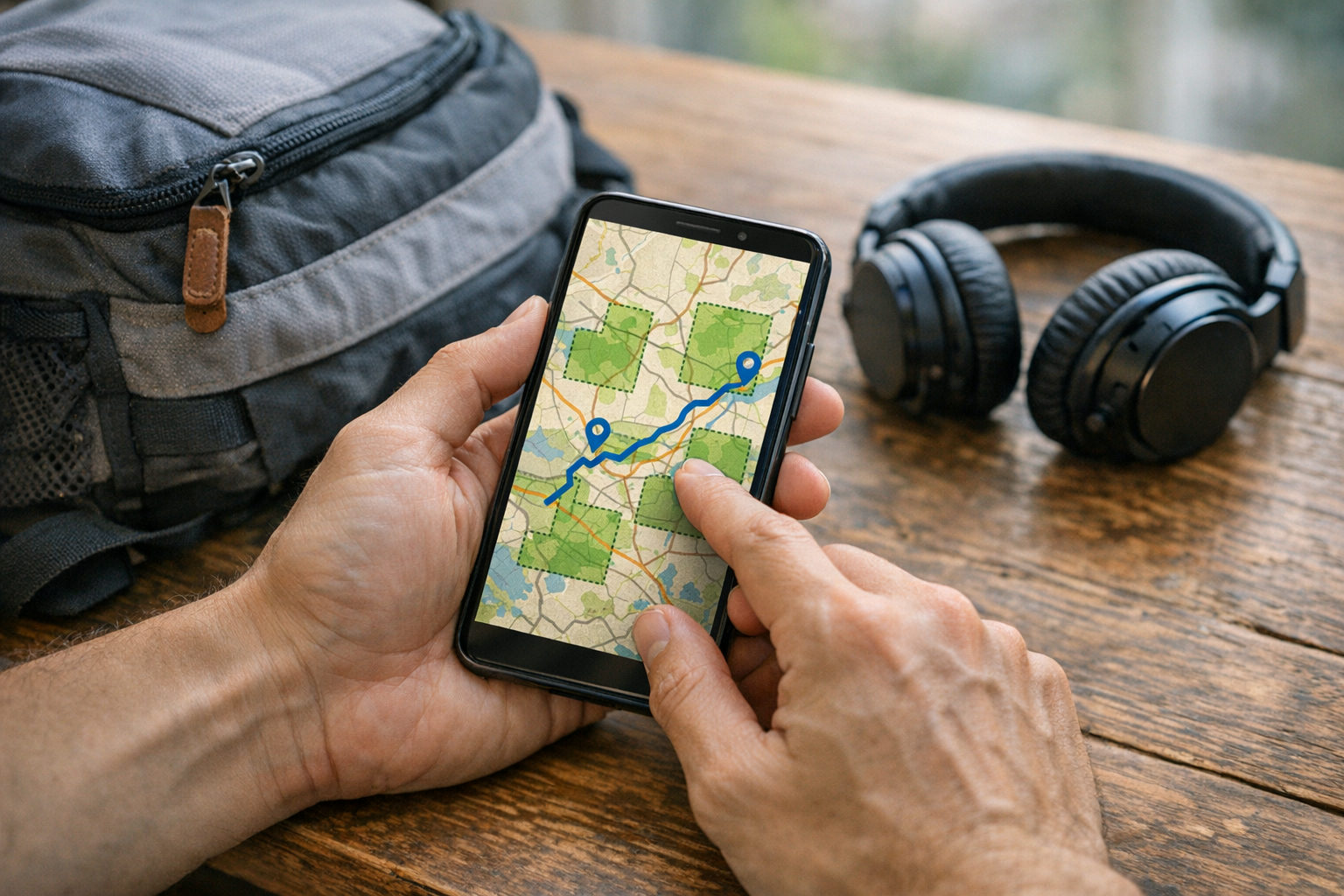
Download maps and entertainment before leaving to reduce mobile data use
Pause cloud photo backup or set it to Wi-Fi only — 300 safari photos a day in full resolution will drain a small plan fast.
Turn off automatic app and OS updates over cellular; one background update can run several hundred megabytes.
Lower streaming quality to standard definition, and favor audio over video for the long duration of a transfer drive.
Restrict background app refresh for social, email and news apps.
Use hotspot sparingly — a tethered laptop can sync files you never asked for.
Voice-only calls and text messages barely register, so keep video calls for lodge Wi-Fi. For more field-tested habits, see how instant mobile data works on safari adventures.
Before the trip, follow Google's instructions to download offline areas in Google Maps. Also enable your phone's low-data mode, disable media autoplay and check which apps are allowed to use mobile data. These controls do not hide content; they stop unnecessary background traffic until you choose to view or download it.
When Is an Unlimited Data Kenya eSIM Worth Considering?
Most safari travelers never touch the ceiling of a mid-size plan, so an unlimited data Kenya eSIM makes the most sense when your usage is hard to predict rather than simply large. Think remote workers joining daily video calls from a lodge in the Mara, content creators uploading 4K clips and raw photos each evening, families tethering two or three devices to one phone, or anyone staying three weeks or more. In those cases the mental cost of rationing gigabytes outweighs the price difference, and you start each day without checking a usage meter.
If your estimate from the worksheet lands under roughly 15 GB for the trip, a fixed allowance is usually the better value — and topping up mid-trip takes a couple of minutes, so running short isn't a crisis. A sensible approach: compare your calculated figure with the sizes listed on the Kenya eSIM plans and pick the tier just above it. Also check whether an unlimited service throttles speeds after a daily threshold, since that detail matters more than the label itself.
Read the fair-use terms before buying. Some unlimited plans apply a high-speed daily limit and then slow the connection, which may still support messaging but make video streaming, work calls and large media uploads difficult.
Match Your Estimate to Available Kenya eSIM Data Plans
Once you have a number from the worksheet, compare it against the Kenya eSIM data plans on offer rather than reaching for the biggest bundle by reflex. Two things matter when you search the plan list:
Data allowance — the total gigabytes you get.
Validity window — how long those gigabytes stay usable.
A 10 GB plan valid for 7 days is no help on a 12-day safari. Check that the validity covers your arrival day through your departure flight, including any Nairobi overnight at either end.
If your estimate lands between two tiers — say 7 GB when the options are 5 GB and 10 GB — go up one step only if your trip includes video calls home, hotspot sharing with a partner's phone, or lodges where Wi-Fi quality is unreliable.
See also: Kenya eSIM plans.
If plans can be topped up mid-trip, starting one tier below your estimate is a sensible move: you pay for what you actually use and add more from the camp in Maasai Mara if the counter climbs faster than expected. Also confirm your handset supports eSIM before you buy.
Check when the validity period starts: purchase, installation or first network connection. Keep your home SIM enabled only if you need calls or authentication messages, and disable data roaming on that line to avoid unexpected carrier charges.
Frequently Asked Questions About Kenya Safari Data
A few questions come up again and again once travelers start sizing a plan. The short answer to most of them: your habits matter more than your trip length, and the rate you burn data depends on video, backups and tethering more than on maps or messaging.
For a light user, yes. If you navigate with offline maps, send WhatsApp text and voice notes, back up photos only on lodge Wi-Fi and skip streaming, 5GB over 14 days leaves roughly 350MB a day — plenty for messaging, email and occasional browsing. It is not enough if you plan daily video calls home, Instagram scrolling between game drives or automatic cloud photo backup of RAW safari shots.
Who actually needs 20GB?
Heavy users: daily video calls, streaming on travel days, and anyone tethering a laptop or tablet.
Can I hotspot from a Kenya eSIM?
Usually yes, though hotspot traffic counts against your allowance and drains it fast.
eSIM or physical SIM?
An eSIM for Kenya activates before you fly; a physical SIM means queuing on arrival.
Estimate first, then buy the plan that matches.